

Streamlining your data collection and delivery processes can transform your team’s operations. Integrating ScraperAPI with Zapier unlocks powerful workflow automation that reduces manual effort and increases efficiency.
You connect ScraperAPI once with your API key, drop a ScraperAPI step into a Zap, and route the results into any of the apps in your Zapier account. There is no script to write, no app to host, and no developer on standby.
In this article, I’ll guide you through:
-
- Setting up ScraperAPI and Zapier
- Automating web scraping workflows to save time and resources
- Real-world examples showcasing practical use cases of this integration
By the end, you’ll have a solid understanding of automating repetitive data tasks, empowering your team to focus on what matters most.
Ready? Let’s get started!
What is Zapier?
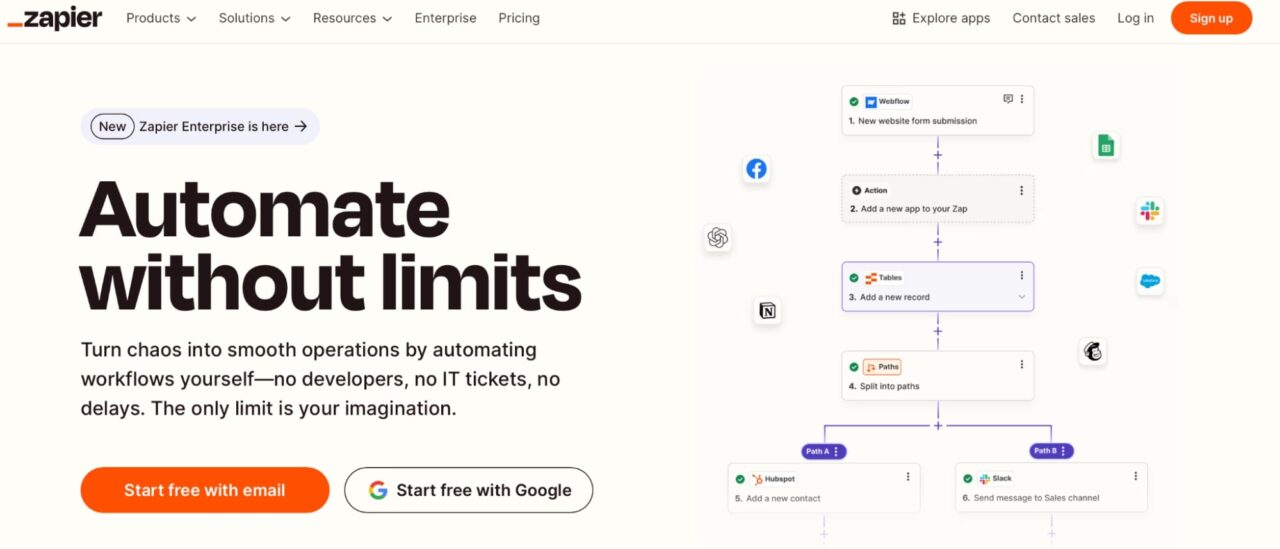
Zapier is an automation tool that connects different apps and services, enabling them to work together without requiring any coding knowledge. It operates on a trigger and action workflow called Zaps.
- A Trigger is an event in one app that starts the workflow.
- An Action is the task Zapier performs in response to the trigger.
For example, you can create a Zap to monitor new rows in a Google Sheet (Trigger) and automatically send that data to ScraperAPI for processing (Action).
ScraperAPI enhances this process by acting as the backbone for data extraction in workflows.
By connecting ScraperAPI to automation tools like Zapier, you integrate web scraping tasks into your automated workflows without manual intervention, and focus on data analysis and decision-making instead of manual data collection.
For instance:
- When a new row is added to a Google Sheet (Trigger), Zapier sends the row’s data, such as a URL or parameters, to ScraperAPI (Action).
- ScraperAPI then processes the request, bypassing bot protections and returning the required data in a structured format.
- This output is sent to another app, such as Slack, GoogleSheet, or a reporting tool, completing the cycle.
ScraperAPI Zapier Integration
The integration adds ScraperAPI as a step you can use inside any Zap. A trigger from another app starts the workflow, hands a URL or a search term to ScraperAPI, and ScraperAPI returns clean data. Your next step sends that data wherever it needs to go.
A typical scraping Zap has three parts:
- A trigger that starts the Zap, such as Schedule by Zapier, a new Google Sheets row, or a webhook.
- A ScraperAPI action that fetches the data and handles proxies, CAPTCHAs, and JavaScript rendering for you.
- One or more downstream actions that send the output to Google Sheets, Slack, your CRM, a database, or an email.
What the ScraperAPI actions do
- Extract data from a URL: send any URL through ScraperAPI and get the page back as HTML, Markdown, plain text, CSV, or parsed JSON.
- Get structured data: pick a category and an operation to get clean JSON from supported sites, with no HTML to parse. Supported sites include Amazon, Google, eBay, Walmart, and Redfin.
- Create a crawler job: start a recursive crawl from a seed URL and stream page results to a webhook you control.
- Get or cancel a crawler job: check the status and counters of a running crawl, or stop it.
Setting it up
- Create a ScraperAPI account and copy your API key from the dashboard. New accounts start with 5,000 free credits.
- In Zapier, add a step, search for ScraperAPI, and pick an action such as Extract Data From URL. When prompted, paste your API key to connect. You only do this once; the connection is reusable across all your Zaps.
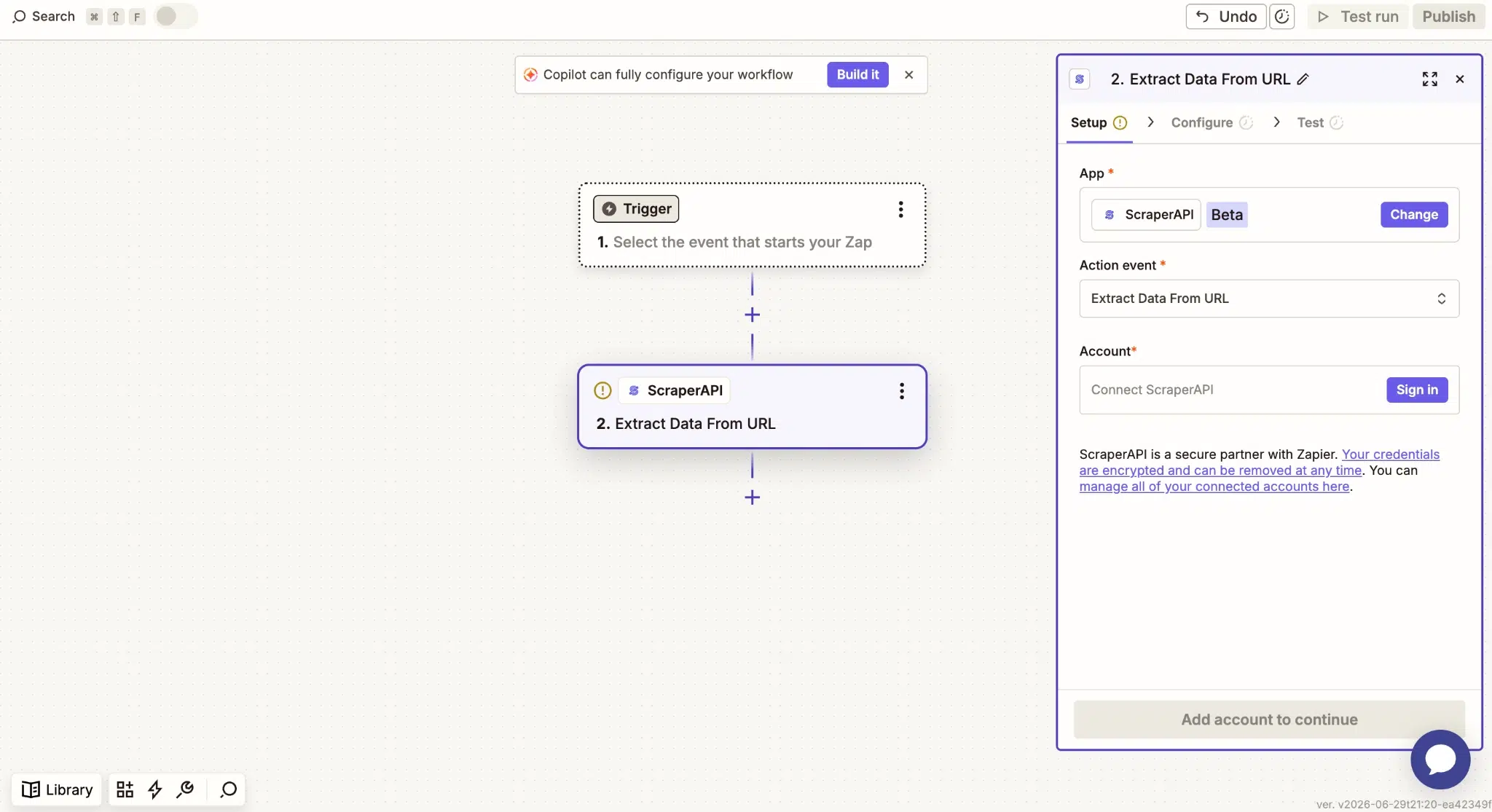
3. Map your inputs, set any optional parameters such as JavaScript rendering or geo-targeting, and add a final step to send the data where you want it.
What teams build with it
Competitor and product price tracking
Schedule a Zap to pull prices from Amazon, Walmart, or competitor pages each morning, write them to a Google Sheet, and post a Slack message when something moves. Our docs walk through one version of this: a Schedule trigger, a Get Structured Data action for an Amazon ASIN, and a Google Sheets row, which gives you a self-updating price history with no manual work.
Lead research and enrichment
Pull company details, job listings, and contact signals from public pages, then push them into HubSpot, Salesforce, or Airtable. The Zap enriches each record so your team can focus on outreach instead of copy-paste.
SERP and ranking tracking
Use the Google operations in Get Structured Data to track keyword positions and SERP features on a daily or weekly schedule, and write the results to a sheet or dashboard your team already reads.
Market research
Collect competitor pages, news, and industry sites on a schedule and route the content into a doc, database, or summary step. Your team works from current data instead of stale exports.
Why the native app beats the old workaround
If you have used ScraperAPI with Zapier before, you may know the older webhook workaround: write a Python scraper, wrap it in a Flask app, host it somewhere public, and call that URL from a Zapier webhook. That meant standing up and maintaining a web service before you could scrape a single page. The native ScraperAPI app removes those steps.
Now that ScraperAPI has a native Zapier integration, you connect it once with your API key, drop a ScraperAPI step into a Zap, and route the results into any of the apps in your Zapier account. There is no script to write, no app to host, and no developer on standby.
Get started
Create a free ScraperAPI account, copy your API key, and add ScraperAPI to your next Zap. Full setup steps and a complete price-tracker walkthrough are in the Zapier integration docs, and you can find the app in the Zapier App Directory.