


The best web scraping tools range from open-source libraries to managed platforms. This guide reviews 28 tools one by one with their features, pros, cons and pricing, so you can match each to your project and budget.
Quick comparison of the 28 best web scraping tools
The table lists the top web scraping tools we reviewed, with the lowest paid or metered plan as the entry price and the Capterra rating with its review count where the tool appears on Capterra’s web scraping software page.
| Tool | Type | Key features | Entry price | Free tier or trial | Capterra |
|---|---|---|---|---|---|
| ScraperAPI | Web data infrastructure | Scraping API, crawler, Structured Data Endpoints, AI Parser, AI Results API, Async, DataPipeline, MCP server, managed delivery | $49 a month | 7 days, 5,000 credits | 4.6 (62) |
| ScrapingBee | Web scraping API | JavaScript scenarios, AI extraction, screenshots | $49 a month | 1,000 credits | 4.9 (141) |
| ZenRows | Web data platform | Fetch, Extract, Batch and Browser Sessions, adaptive stealth | $16 a month, annual | 5,000 credits a month | 4.7 (103) |
| Scrapingdog | Web scraping API | 40+ dedicated APIs | $40 a month | 100 credits | Not listed |
| Zyte API | Web scraping API | Ban handling, AI extraction | From $0.13 per 1,000 | $5 credit | 4.4 (43) |
| Oxylabs | Web Scraper API plus proxies | Scheduler, built-in parsers, 177M+ proxies | $30 a month | $5 welcome credit | 4.7 (23) |
| Decodo | Web Scraping API plus residential proxies | 100+ templates, city, ZIP and ASN targeting | $19 a month | 10,000 pages | No reviews yet |
| Bright Data | Proxy networks and scraping APIs | Web Unlocker, ready-made collectors, datasets | $1.50 per 1,000 requests | 5,000 requests a month | 4.7 (68) |
| Apify | Cloud platform with an Actor marketplace | Actor Store, schedules, proxies | $19 a month | $5 usage a month | 4.8 (595) |
| Octoparse | No-code desktop scraper with cloud runs | Templates, cloud runs, scheduling | $69 a month, annual | 10 tasks | 4.7 (107) |
| ParseHub | Point-and-click desktop scraper | Interactive sites, REST API | $189 a month | 200 pages per run | 4.5 (16) |
| Web Scraper | Browser extension plus cloud scheduler | Sitemaps, scheduler, validation rules | $50 a month, annual | 7 days | 4.7 (7) |
| Browse AI | No-code robots for scraping and monitoring | Robots, monitoring | $19 a month, annual | 50 credits a month | 4.6 (63) |
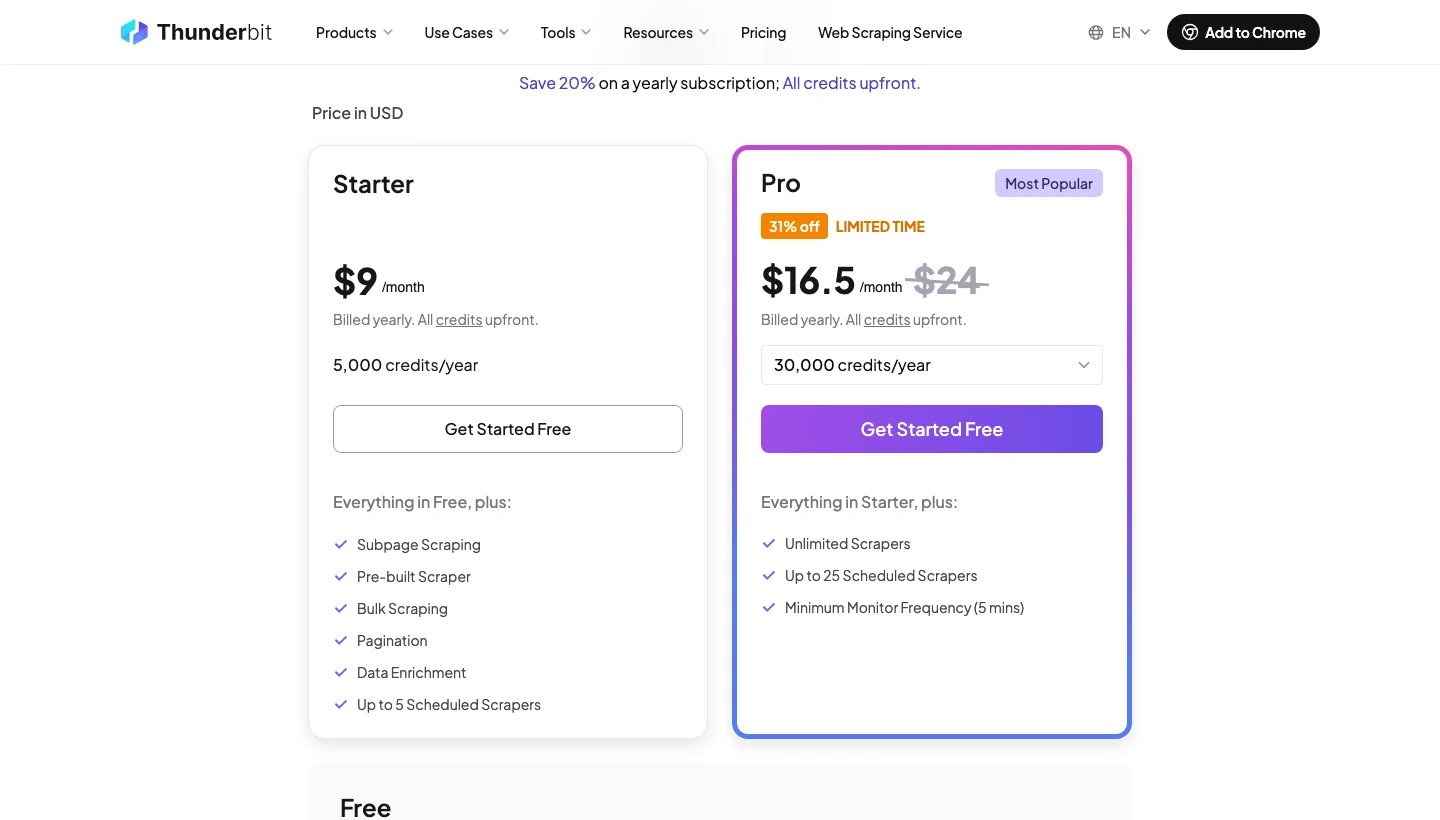
| Thunderbit | AI web scraper (Chrome extension) | Plain-language scraping | $9 a month, yearly | 6 pages a month | 4.6 (19) |
| Firecrawl | Web data API for AI agents | Markdown, crawl, monitor | $16 a month, yearly | 1,000 credits a month | No reviews yet |
| Crawl4AI | Open-source LLM crawler with hosted cloud | Markdown, adaptive crawling | Library free | 2,000 cloud credits on signup | Not listed |
| ScrapeGraphAI | AI scraping API with natural-language prompts | Prompt-based extraction | $20 a month | 500 credits | No reviews yet |
| Diffbot | AI extraction APIs and Knowledge Graph | Extract APIs, Knowledge Graph | $299 a month | 10,000 credits a month | 4.5 (4) |
| ScrapeHero | Ready-made scrapers plus managed service | Ready-made scrapers, real-time APIs | $5 a month | 400 credits | 4.7 (26) |
| Mozenda | Point-and-click scraping platform | Point-and-click agents, on-premise | $500 a month | 14 days | 4.4 (29) |
| Scrapy | Python crawling framework | Async crawling, pipelines | Free | Free | Not listed |
| Crawlee | JavaScript and Python crawling library | Crawl queues, proxy rotation | Free | Free | No reviews yet |
| Playwright | Browser automation library | Auto-waiting, three browser engines | Free | Free | No reviews yet |
| Selenium | Browser automation (WebDriver) | WebDriver, Grid | Free | Free | Not listed |
| Puppeteer | Chrome and Firefox automation library | Chrome and Firefox control | Free | Free | Not listed |
| Beautiful Soup | Python HTML and XML parsing library | Forgiving HTML parsing | Free | Free | Not listed |
| lxml | Python XML and HTML library | XPath, XSLT | Free | Free | Not listed |
| Cheerio | Node.js HTML parsing library | jQuery-style queries | Free | Free | Not listed |
How did we pick and compare these web scraping tools?
We read each vendor’s own documentation and pricing page to record what the tool returns, how it handles JavaScript, logins and anti-bot protection, and what it costs, and every price is dated and linked to its source.
We did not benchmark success rates across vendors, so this guide makes no claim about who unblocks best. Credits and requests are not a common unit across vendors, so compare cost per thousand successful pages on your own targets during a free trial.
1. ScraperAPI: Best web data infrastructure for developers and data teams
ScraperAPI is web data infrastructure for developers and data teams that handles blocking, retries and site changes, from a first API call to scheduled production feeds, so you don’t stitch together separate unblockers, SERP APIs, crawlers and agent tooling.
ScraperAPI also covers the newer jobs that most scraping tools leave to a separate product, such as AI-generated parsers, AI search answer collection and crawling, and we aim to make it the fastest route from a URL to clean data.
ScraperAPI top features:
- The Scraping API handles proxy rotation, retries, CAPTCHAs and JavaScript rendering behind one request.
- Structured Data Endpoints return JSON for Amazon, Google, ChatGPT, Walmart, eBay, Redfin, and more, including the Google Search Scraper and the Amazon Search Scraper.
- The endpoint list has grown beyond search and shopping to include Walmart categories and reviews and Home Depot, and sites without a dedicated endpoint, such as LinkedIn, Indeed and Zillow, can still be scraped through the Scraping API. Walmart costs one credit per request and the Google endpoints 25.
- The AI Results API, in beta, sends a prompt to ChatGPT, Perplexity, Gemini or Google AI Mode and returns the answer, its cited sources and the model as JSON for 25 credits a request, or 75 for ChatGPT with sources.
- The AI Parser turns up to three example URLs of one page type into a parser for similar pages with no selectors to write. Your first parser is free, extra parsers cost 30,000 credits and paid plans hold up to five.
- The Crawler, generally available since April 2026, follows links from a start URL until it reaches your depth or credit budget and skips duplicates. The Free plan caps link depth at one and has no scheduling, while paid plans have no depth cap and can run recurring crawls.
- Async batch jobs take up to 50,000 URLs with automatic retries for up to 24 hours, and DataPipeline schedules recurring projects of up to 100,000 URLs, keywords or ASINs with no code, billed at the same credit costs as the standard API with results kept for 30 days.
- It is agent-ready by default, with an MCP server for web scraping that exposes the scraper, structured endpoints and crawler as tools, a CLI, an Agent Skills plugin for Claude Code and OpenClaw with 18 skills, and n8n, Zapier, LangChain and LlamaIndex integrations.
- Geotargeting with
country_codecovers the US and EU on Hobby and Startup and 70 countries from Business, with 184 more countries on premium geo. - Premium and ultra premium proxies are available, and the credit table lists bypass for Cloudflare, Cloudflare Turnstile, DataDome and PerimeterX at 10 extra credits each.
- Sticky sessions reuse the same proxy across requests that share a
session_number, and a session expires 15 minutes after its last use, whiledevice_type,keep_headers,wait_for_selector, screenshots andmax_costgive finer control, while the Domain Credit Cost Estimator predicts what a target will cost before you scrape. - Enterprise customers get a dedicated support team, a Slack support channel and tailor-made solutions, including managed delivery through professional services.
The snippet below fetches a JavaScript-rendered page as markdown in Python.
import requests

params = {
    "api_key": "YOUR_API_KEY",
    "url": "https://quotes.toscrape.com/js/",
    "render": "true",
    "output_format": "markdown",
}
response = requests.get("https://api.scraperapi.com/", params=params, timeout=70)
print(response.text[:330])
The response is ten quotes as markdown, and the first one looks like this:
“The world as we have created it is a process of our thinking. It cannot be changed without changing our thinking.”by Albert Einstein

Tags: change deep-thoughts thinking world
ScraperAPI pros and cons:
| Pros | Cons |
|---|---|
| One vendor from a first API call to scheduled production feeds | No standalone proxies or per-GB plans |
| Structured JSON for Amazon, Google, ChatGPT, Walmart, eBay, Redfin and more | Credit costs vary by target, such as 25 for Google and 30 for ultra premium |
| Only successful requests (200 and 404) are charged | Geotargeting is limited to the US and EU on Hobby and Startup |
| Agent-ready, with an MCP server, CLI, Agent Skills plugin and framework integrations | |
| Includes an AI Parser and an AI Results API (beta) for ChatGPT, Perplexity, Gemini and Google AI Mode |
ScraperAPI pricing
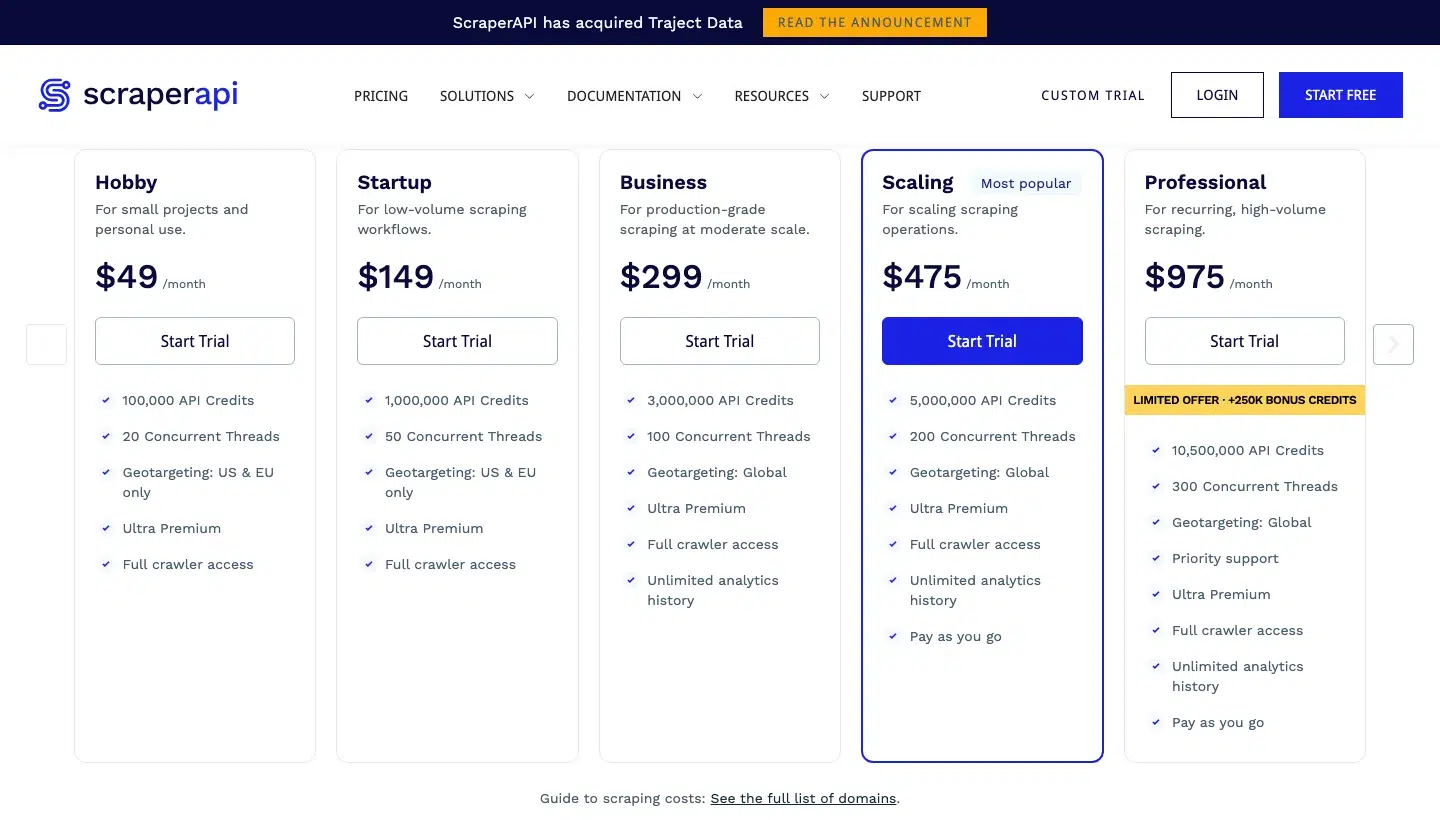
ScraperAPI bills from a monthly credit pool with no per-GB maths, and credits per request vary by target, at one for a standard page, five for Amazon, 25 for Google and 10 for render=true.
Plans are Hobby at $49 (100,000 credits, 20 threads), Startup at $149 (1,000,000), Business at $299 (3,000,000), Scaling at $475 (5,000,000), Professional at $975 (10,500,000) and Advanced at $1,975 (21,500,000), with Enterprise through sales.
Pay as you go starts on Scaling and above and switches on once the monthly credits are used, and the free trial gives seven days with 5,000 credits and no card.
Plans run up to $1,975 a month before you need to talk to sales, and yearly billing takes 10% off, according to the pricing page.
2. ScrapingBee: Best for developers who want a simple API with JavaScript rendering
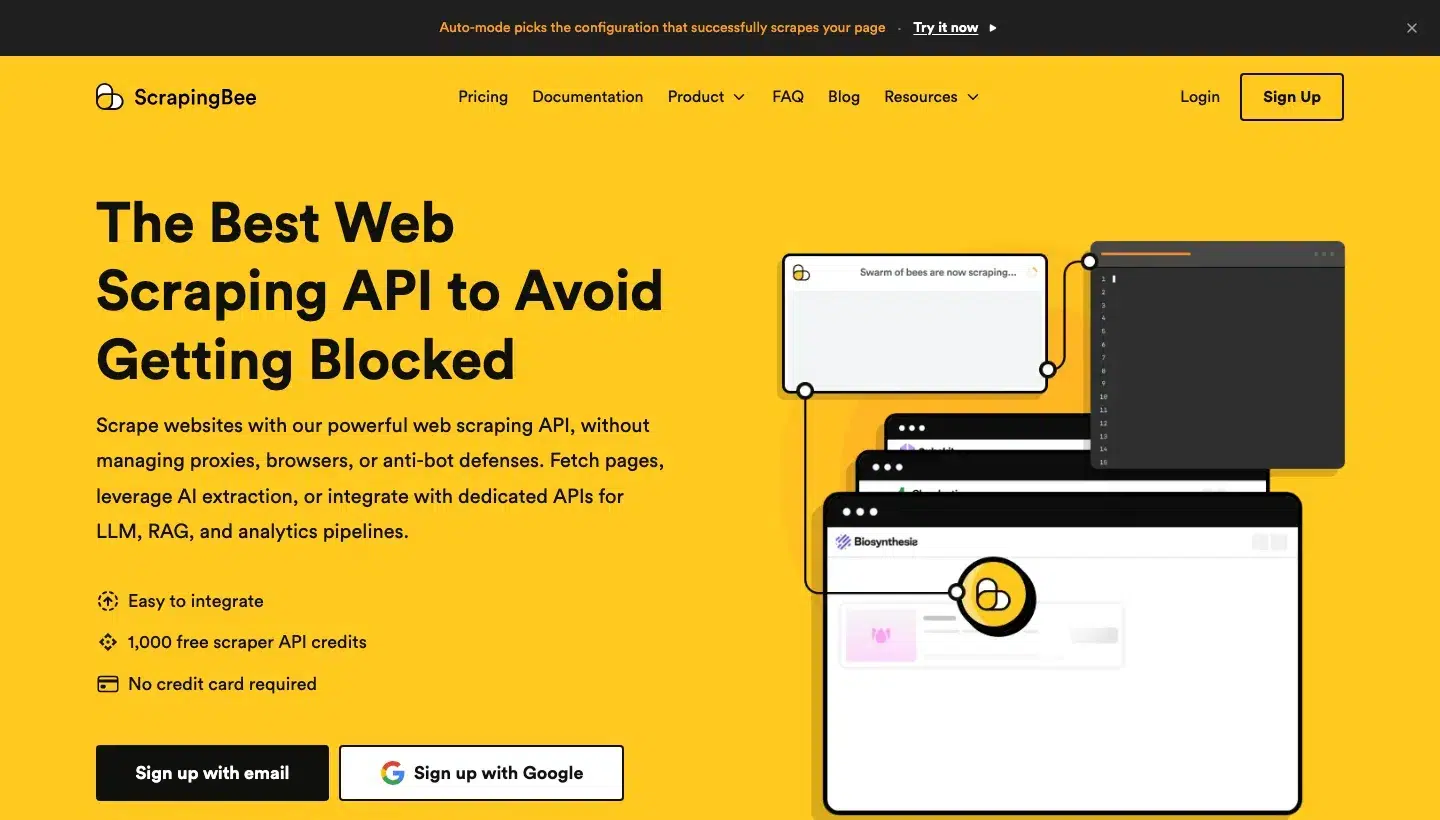
ScrapingBee is a scraping API that runs headless browsers and rotating proxies behind one endpoint, with AI extraction, screenshots and dedicated Google, Amazon and Walmart APIs. It suits developers who want credits and a single endpoint.
ScrapingBee top features:
- JavaScript scenarios click, fill, scroll, wait and run custom JavaScript, including infinite scroll.
- Classic, premium and stealth proxy tiers come with
country_codegeotargeting and support for your own proxy. - Output can be HTML, markdown, plain text, screenshots of the viewport, full page or one selector, or JSON with XHR capture.
- AI extraction works from a plain-English query or JSON rules, alongside CSS and XPath extract rules.
session_idholds one IP for five minutes, and proxy-mode endpoints support HTTP, HTTPS and SOCKS5.- Auto-mode picks the cheapest working setup, and
max_costcaps what it can spend. - Dedicated Google, Amazon and Walmart APIs return parsed data.
ScrapingBee pros and cons:
| Pros | Cons |
|---|---|
| Auto-mode charges nothing if every configuration fails | Stealth proxy doesn’t support custom headers, cookies, timeouts or infinite scroll |
| AI extraction and extract rules built into the API | Target errors such as 403 or 503 arrive as 500 unless transparent_status_code is set, which disables retries |
| JavaScript rendering on by default | File downloads are limited to 2 MB per request |
ScrapingBee pricing
ScrapingBee bills in API credits, with five for a JavaScript render, 10 for a premium proxy (25 with rendering) and 75 for a stealth proxy.
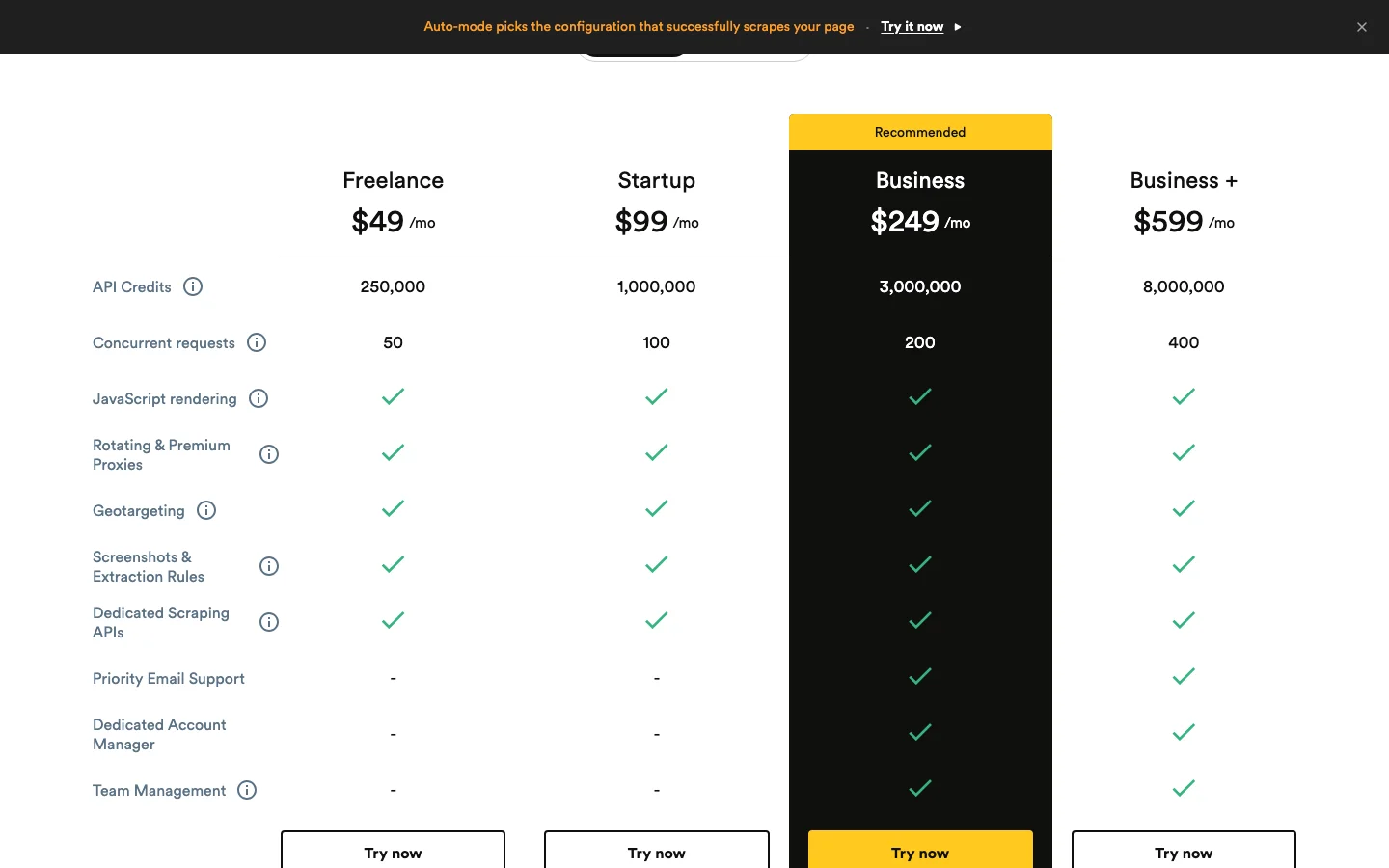
Plans are Freelance at $49 (250,000 credits, 50 concurrent), Startup at $99 (1,000,000, 100), Business at $249 (3,000,000, 200) and Business + at $599 (8,000,000, 400), and the free trial is 1,000 credits with no card.
Details are on ScrapingBee’s pricing page.
3. ZenRows: Best for protected sites and AI agents that want one credit pool
ZenRows is a web data platform built around Fetch, Extract, Batch and Browser Sessions, which draw on one credit balance. It targets teams scraping anti-bot-protected pages and feeding AI agents.
ZenRows top features:
- Adaptive Stealth Mode (
mode=auto) escalates to rendering or premium proxies only when a request needs them. - A residential pool of more than 55 million IPs supports
proxy_countrytargeting across 190+ countries. - JavaScript instructions click, fill forms, scroll and run custom code, with
waitandwait_foroptions. - Output can be markdown, plain text, PDF, screenshots or JSON with XHR capture.
- Batch jobs take up to 100,000 URLs with automatic retries and a webhook or polling on completion.
- Browser Sessions connect Puppeteer or Playwright through one WebSocket URL, with lifetimes of one to 15 minutes.
- Python, Node and Go SDKs, a CLI, an MCP server and n8n and Zapier integrations are available.
ZenRows pros and cons:
| Pros | Cons |
|---|---|
| Adaptive mode bills only the configuration that succeeds | Country targeting needs premium proxies switched on |
| Batch queues and retries 100,000 URLs per job | Exceeding plan concurrency returns 429, with five to 200+ slots by plan |
| Failed requests aren’t charged | Automatic Extract covers supported sites only |
ZenRows pricing
ZenRows shares one credit pool across all its products, with one credit for a standard page, five for JavaScript rendering, 10 for premium proxies and 25 for both.
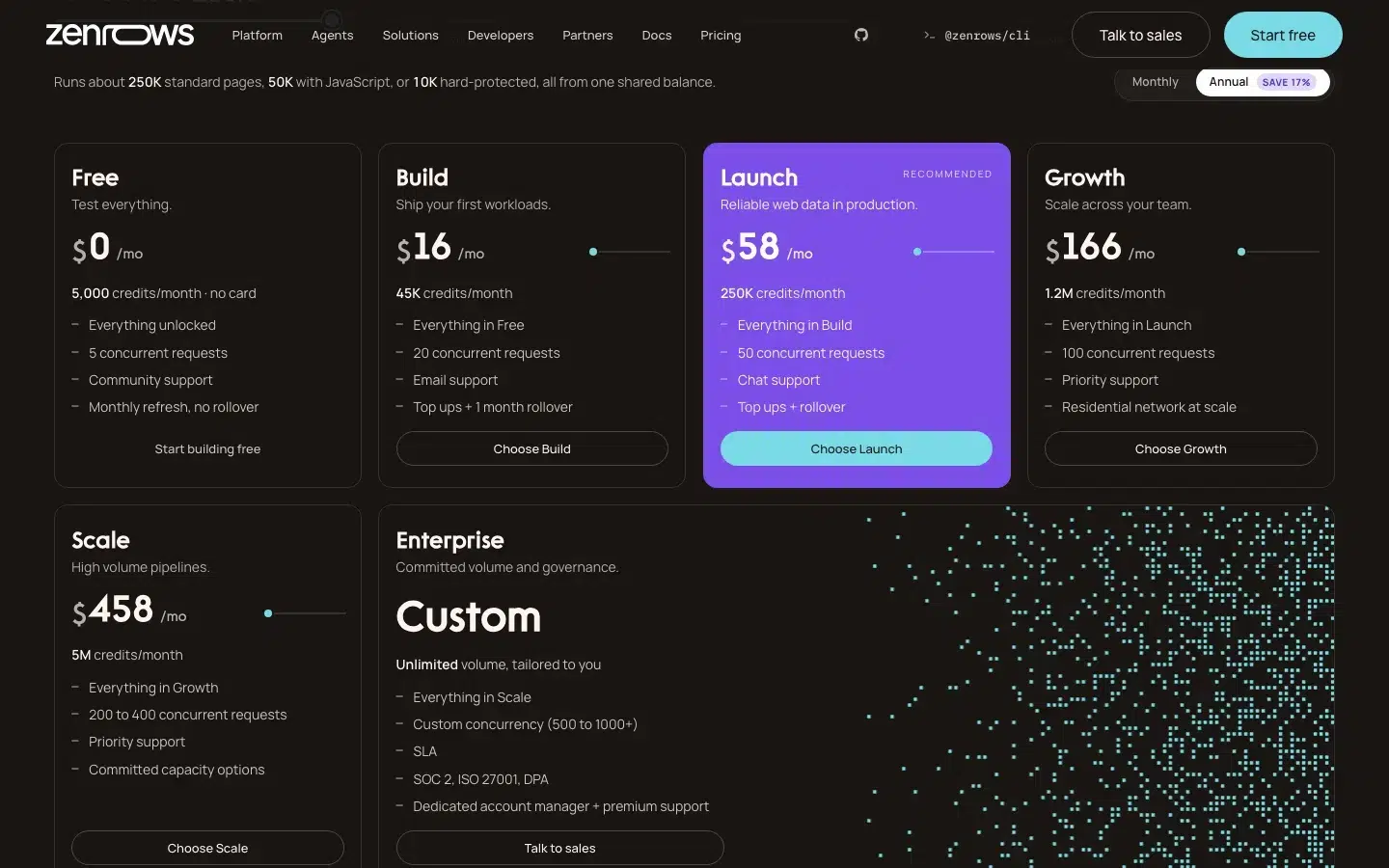
The page loads on annual billing, which it lists as a 17% saving, and plans are Build at $16 (45,000 credits, 20 concurrent), Launch at $58 (250,000, 50), Growth at $166 (1,200,000, 100) and Scale at $458 (5,000,000, 200 to 400).
A permanent free plan gives 5,000 credits a month with no card, per ZenRows’ pricing page.
4. Scrapingdog: Best for low entry prices and prebuilt SERP and e-commerce endpoints
Scrapingdog is a scraping API subscription that opens its full catalogue of more than 40 dedicated APIs, including Google Search, Maps and Amazon, on every plan. Buyers who want a low entry price and ready-made endpoints fit it best.
Scrapingdog top features:
- Headless Chrome rendering runs through the
dynamicparameter, with a wait option. - Premium residential proxies (
premium=true) and rotating proxies are available, withstealth_mode=truefor Cloudflare-style protection. - Country-level geotargeting with ISO codes is included on every plan.
session_numberreuses one IP across requests.- The Screenshot API returns png, jpg or webp, with full-page capture, a custom viewport and a quality setting.
- More than 40 dedicated APIs cover Google SERP, Maps, News, AI Mode, Amazon and Walmart, returning parsed JSON.
- LLM-ready markdown output is available.
Scrapingdog pros and cons:
| Pros | Cons |
|---|---|
| Failed requests aren’t charged | Sessions expire 60 seconds after last use |
| One account covers every dedicated API | Geotargeting is country-level only, and premium proxies default to US IPs |
| Geotargeting included on all plans | Cloudflare-style bypass is a separate stealth_mode flag |
Scrapingdog pricing
Scrapingdog charges one credit for a standard request and five for JavaScript rendering.
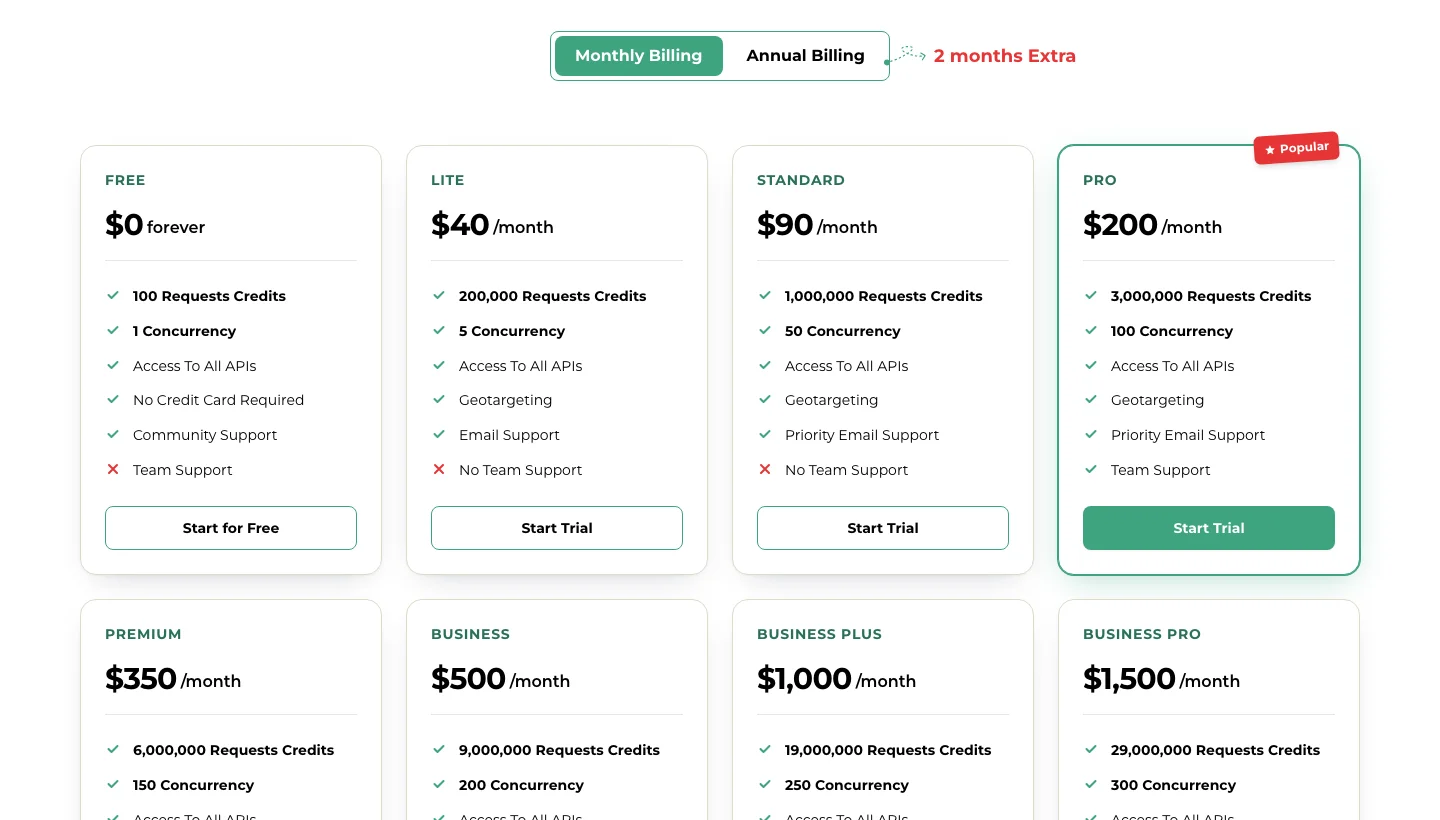
Plans are Lite at $40 (200,000 credits, five concurrent), Standard at $90 (1,000,000, 50), Pro at $200 (3,000,000, 100) and Premium at $350 (6,000,000, 150), and the free trial is 100 credits with no card.
Team support starts on the Pro plan, per Scrapingdog’s pricing page.
5. Zyte API: Best for many different sites, with cost matched to difficulty
Zyte API is a scraping API that picks proxies and rendering per site, with ban handling, browser actions and AI extraction into typed data. It suits developers scraping many varied targets and pairs naturally with Scrapy, which Zyte maintains.
Zyte API top features:
- Automatic ban handling picks the leanest proxy setup for each site.
- Browser-rendered HTML and screenshots come with actions such as typing, mouse input, waits and scrolling, plus browser scripts.
- Network capture records the requests a browser session makes.
- AI extraction returns typed data such as products, articles and jobs, or your own schema.
- Sessions keep cookies, geolocation can be overridden, and you can choose datacentre or residential IPs.
- A CDP headless browser works with Playwright or Puppeteer, and an HTTP proxy mode and an MCP server for coding agents are available.
Zyte API pros and cons:
| Pros | Cons |
|---|---|
| Rate-limited requests aren’t charged and can be retried | Residential IPs, the CDP browser and custom scripts need business verification |
| Standard API keys allow 3,000 requests a minute, with increases on request | Browser actions are capped at 60 seconds in total |
| One API covers HTTP, browser and AI extraction | Website-level limits apply on top of the API key limit |
Zyte API pricing
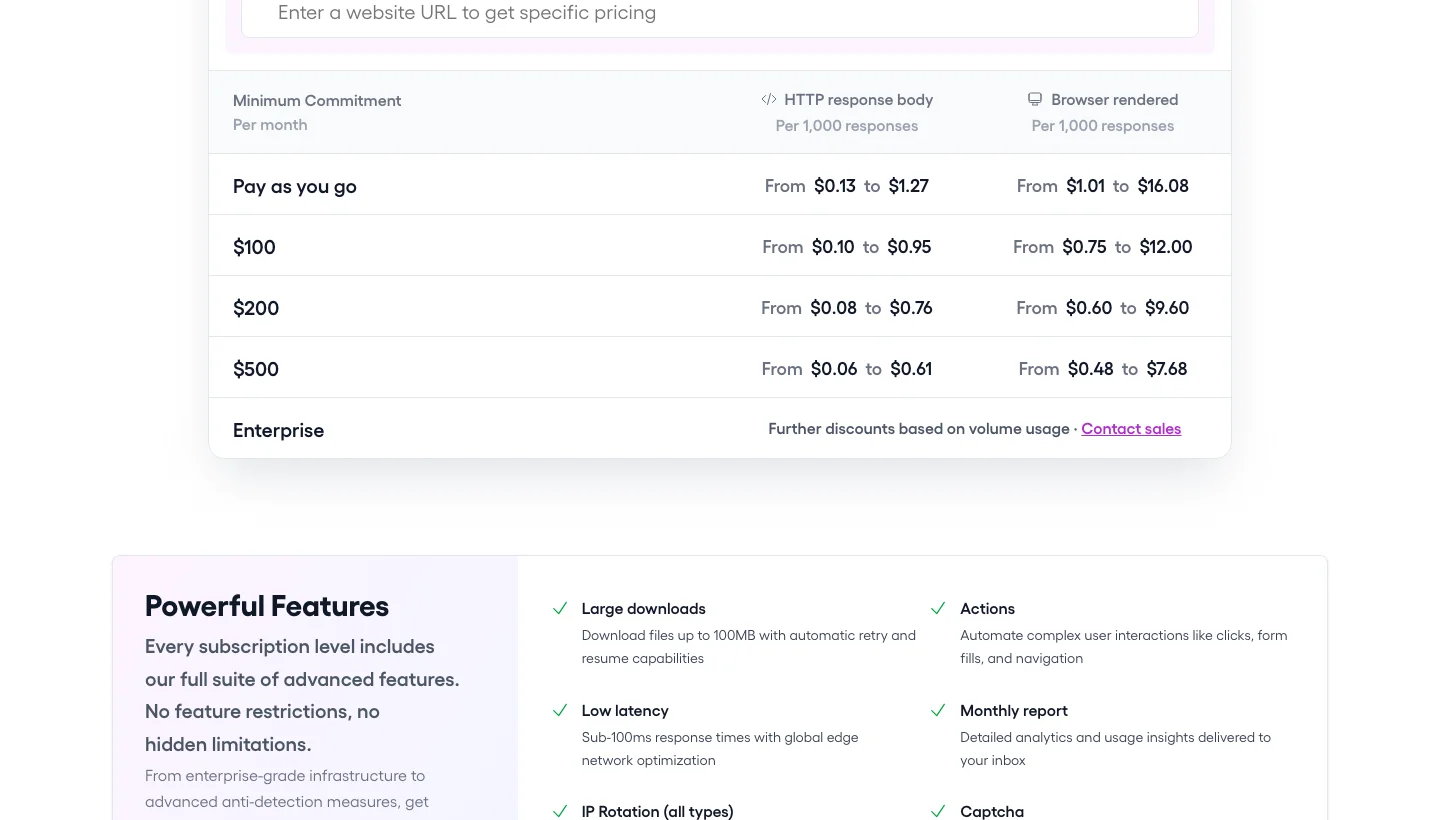
Zyte API bills per 1,000 successful responses and prices each request by the target site’s difficulty tier, so no flat entry price exists.
Pay as you go runs from $0.13 (tier one) to $1.27 (tier five) for HTTP and from $1.01 to $16.08 for browser rendering, commitments start at $100 a month, and a $5 credit lasts 30 days with no commitment, per Zyte’s pricing page.
We could not load Zyte’s pricing page on 9 October 2026, so these figures date from 30 September.
6. Oxylabs: Best for per-result pricing and a residential pool from one vendor
Oxylabs sells a Web Scraper API through a single endpoint, with proxies, CAPTCHA handling and parsers included, alongside residential proxies. Teams that want an API and an IP pool from one vendor fit best.
Oxylabs top features:
- Realtime, Push-Pull and Proxy Endpoint integration methods are available, and Push-Pull is recommended for large volumes.
- Rendering to HTML or PNG comes with browser instructions to click, type, scroll and wait for elements.
geo_locationworks by country, with SERP and e-commerce localisation such as ZIP codes for Amazon.- Sessions run through
session_idfor up to 25 minutes or 100 requests. - Dedicated parsers (
parse=true) and a Custom Parser using XPath or CSS extract fields. - Output can be HTML, JSON, markdown or several formats, with Fetch and XHR capture and image download.
- Results can be delivered to S3, Google Cloud Storage or S3-compatible storage, and a free cron-based Scheduler runs recurring jobs.
- The network spans 177M+ proxies in 195+ countries, with SOC 2 Type II and Python and Go SDKs.
Oxylabs pros and cons:
| Pros | Cons |
|---|---|
| Free Scheduler pairs with cloud-storage delivery | Restricted targets such as LinkedIn are rejected unless you complete KYC |
| Dedicated targets for Amazon, Google and many retailers, with parsing | Realtime holds the connection open, with a 150-second TTL |
| Push-Pull suits large batches | Rendering is forced on some page types, using more traffic |
Oxylabs pricing
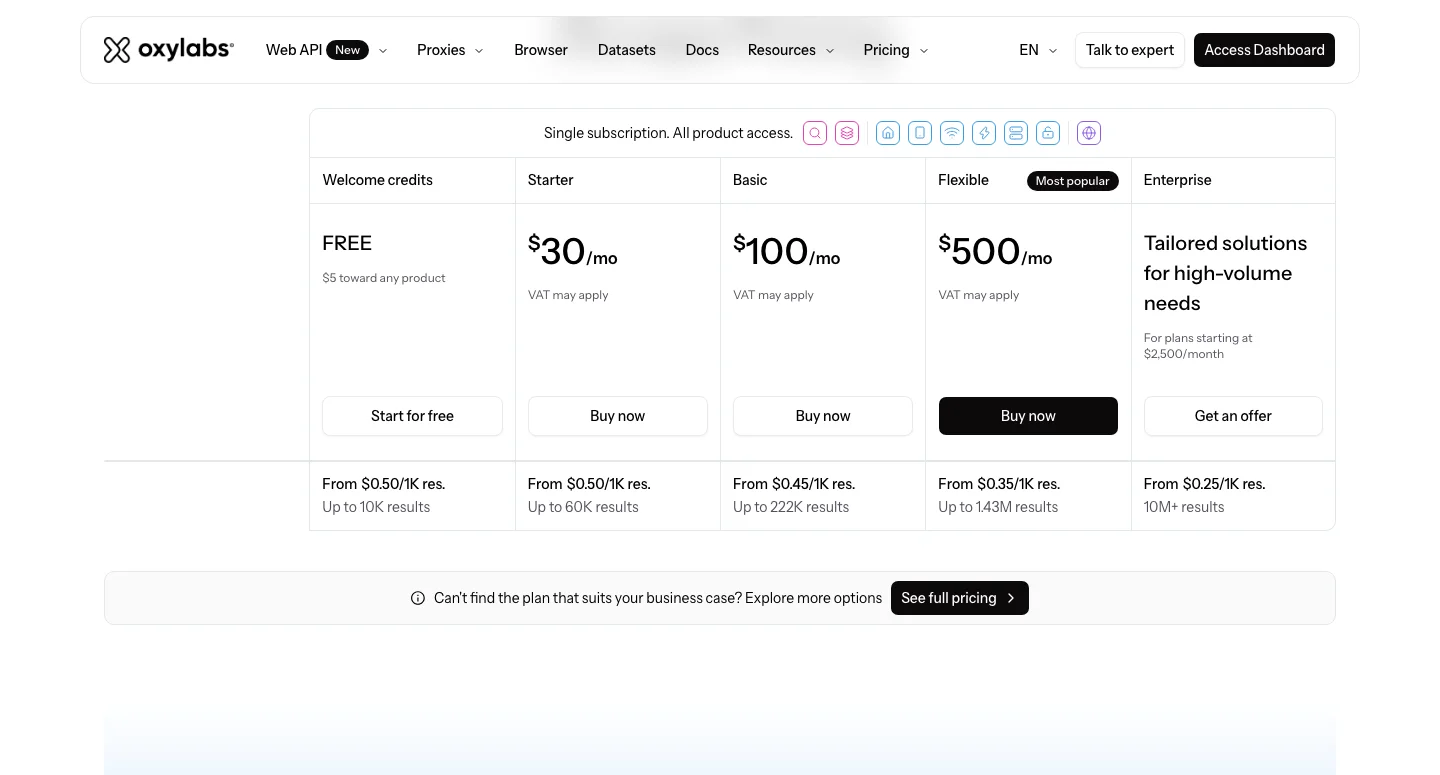
Oxylabs bills per 1,000 successful results.
Plans are Starter at $30 (up to 60,000 results, from $0.50 per 1,000), Basic at $100 (up to 222,000, from $0.45) and Flexible at $500 (up to 1,430,000, from $0.35), while Enterprise starts from $0.25 per 1,000 for 10,000,000+ results.
New accounts get $5 of welcome credits toward any Oxylabs product, and the plans changed between our 30 September and 9 October checks, per Oxylabs’ pricing page.
7. Decodo: Best for small teams starting on a free API plan
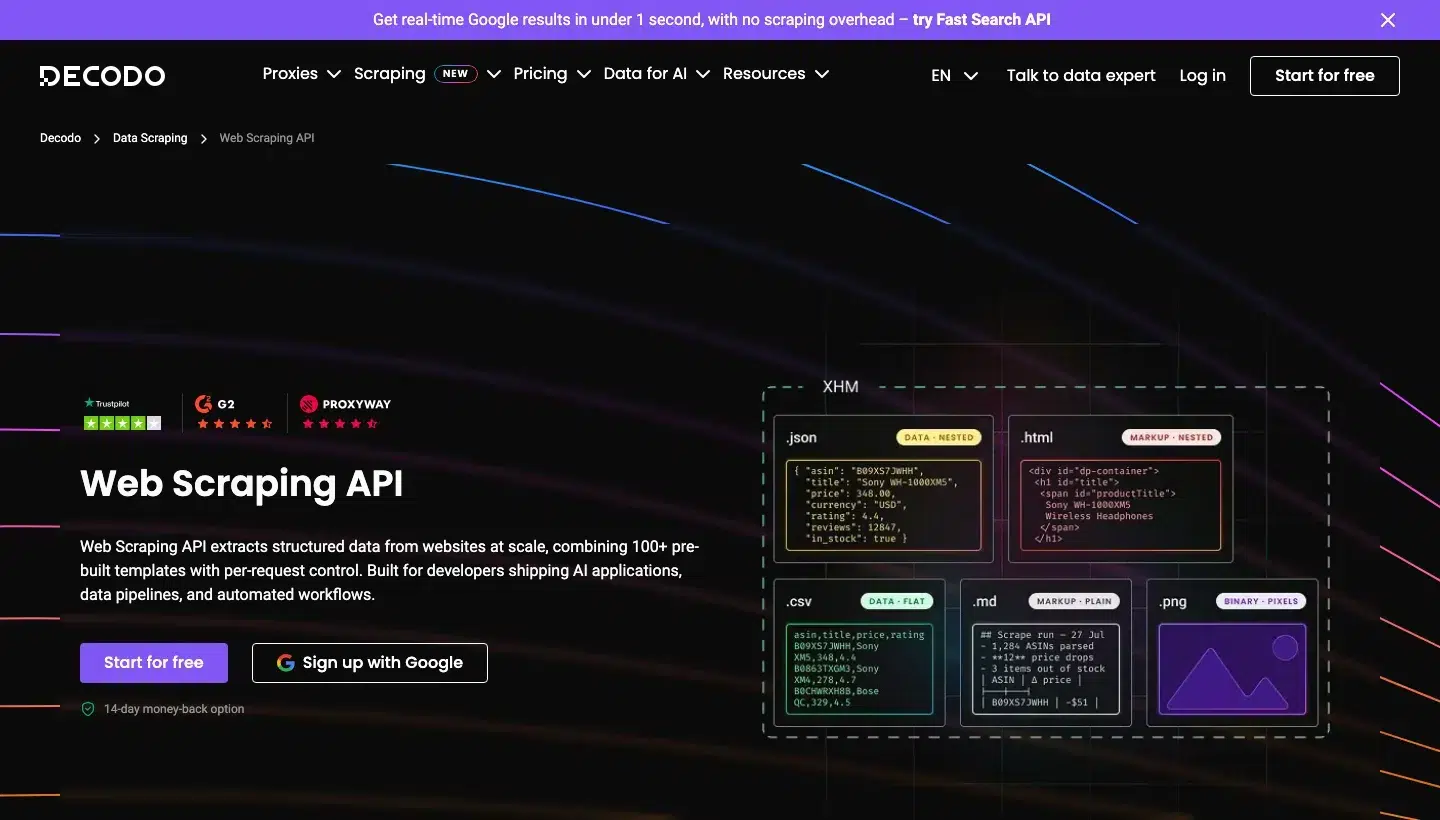
Decodo, formerly Smartproxy, offers a Web Scraping API with more than 100 templates and residential proxies with city, ZIP and ASN targeting. Small teams and budget buyers get the most from it.
Decodo top features:
- More than 100 ready-made templates cover Amazon, Google, Walmart, Target, YouTube, ChatGPT and Perplexity, plus a universal Web target.
- Standard or Premium proxy pools and JavaScript rendering are chosen per request.
- Output can be HTML, JSON, CSV, XHR, PNG or markdown.
- Automatic retries, browser fingerprinting and CAPTCHA handling are built in.
- Task scheduling is included, and the product page states unlimited concurrent sessions.
- An MCP server, TypeScript, Python and Go SDKs, and n8n and LangChain integrations are available.
Decodo pros and cons:
| Pros | Cons |
|---|---|
| Only successful responses are charged | Banking, government and telecom sites are blocked |
| Free plan needs no card, and paid plans carry a 14-day money-back guarantee | The Standard pool has fewer geo-locations than Premium |
| ISO/IEC 27001:2022 certified | Some output formats need JavaScript rendering switched on |
Decodo pricing
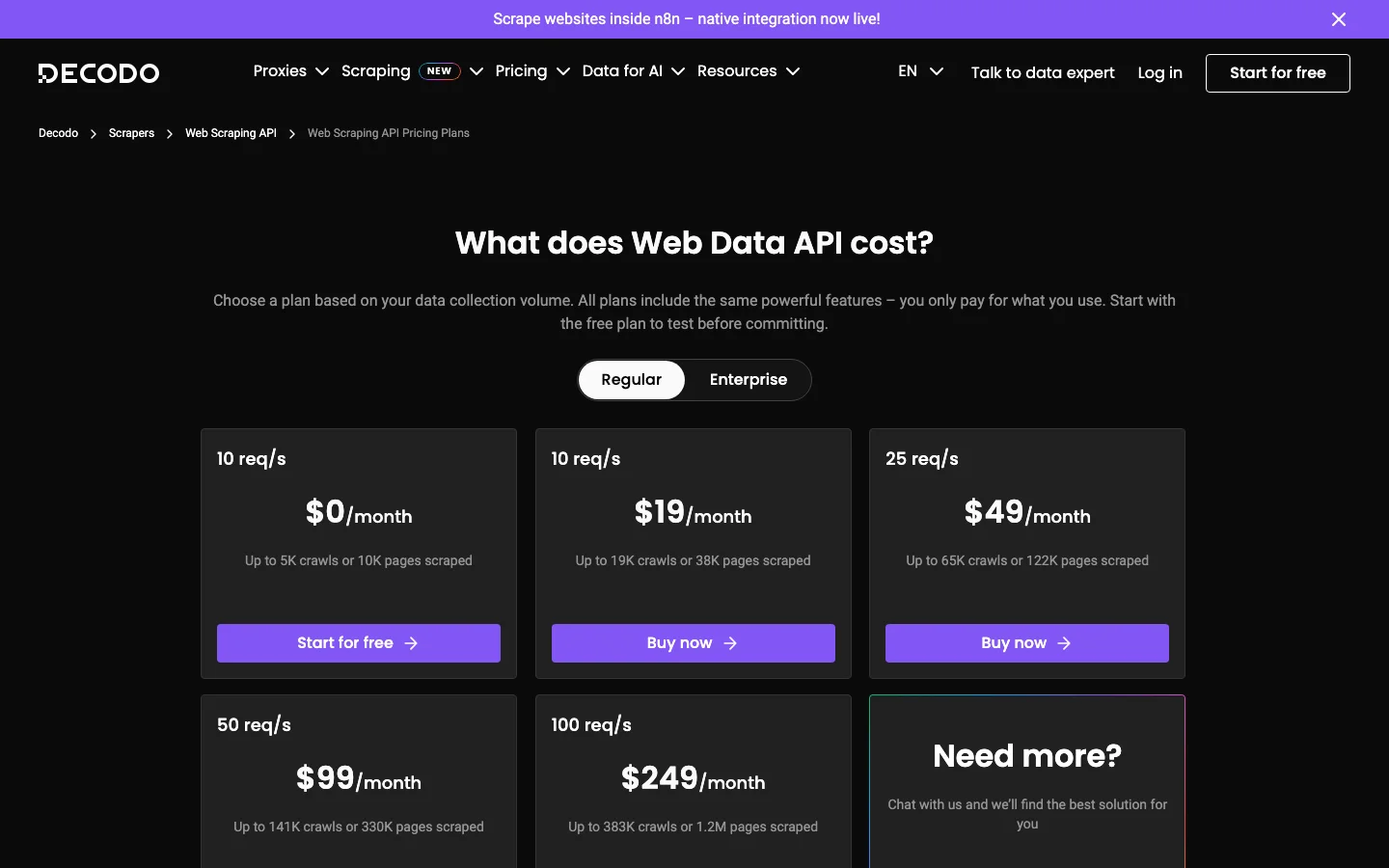
Decodo bills by pages scraped and counts crawls separately, so the $249 plan covers 383,000 crawls or 1,200,000 pages.
Plans are Free (up to 10,000 pages), $19 (38,000), $49 (122,000), $99 (330,000) and $249 (1,200,000), and the free plan needs no card.
Residential proxies are sold separately, per Decodo’s pricing page.
8. Bright Data: Best for one vendor covering proxies, unblocking and datasets
Bright Data is a data platform that sells proxy networks, a Web Unlocker API that handles blocks and CAPTCHAs, and Scraper APIs with ready-made collectors. Teams that want proxies, unblocking and datasets from one vendor fit best.
Bright Data top features:
- Web Unlocker handles fingerprinting, IP rotation, retries, cookies, user agents and referer control.
- CAPTCHA solving covers a published list that includes hCaptcha, reCAPTCHA v2 and v3, Turnstile, DataDome, Akamai and PerimeterX.
- A built-in browser renders JavaScript automatically, with output as HTML, JSON, markdown or screenshots.
- Scraper APIs offer prebuilt scrapers for popular sites, and Scraper Studio builds custom ones with AI.
- Up to 5,000 URLs go into one call, with delivery as JSON, NDJSON or CSV through the API, a webhook or cloud storage.
- Python and Node SDKs, a CLI and a hosted MCP server are available.
- AI self-healing keeps scrapers running, and Scraper APIs have unlimited concurrency.
Bright Data pros and cons:
| Pros | Cons |
|---|---|
| Pay only for successful results on Scraper APIs | Unlocker isn’t meant for Puppeteer, Playwright or anti-detect browsers, and the Scraping Browser is a separate product |
| Unlocker publishes the anti-bot and CAPTCHA systems it supports | Pay as you go costs more per request than commitment plans |
| Unlimited concurrency on Scraper APIs | A documented KYC process applies to use cases |
Bright Data pricing
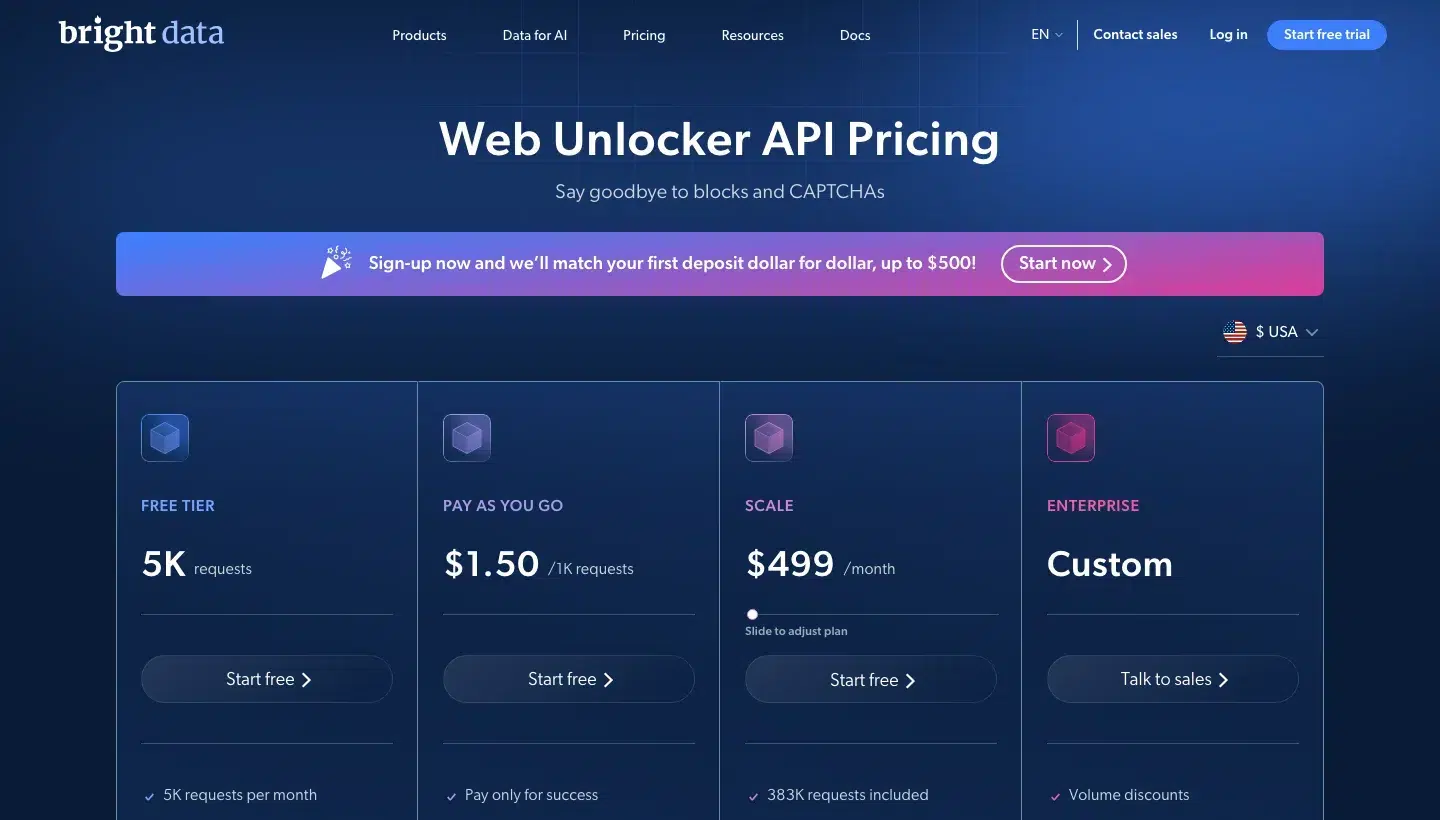
Bright Data bills the Web Unlocker API per 1,000 successful requests.
Pay as you go costs $1.50 per 1,000 requests, Scale is $499 a month with 383,000 requests included, Enterprise is on request, and a free tier gives 5,000 requests a month with no card.
Details are on Bright Data’s Unlocker pricing page.
9. Apify: Best for ready-made scrapers or hosting your own
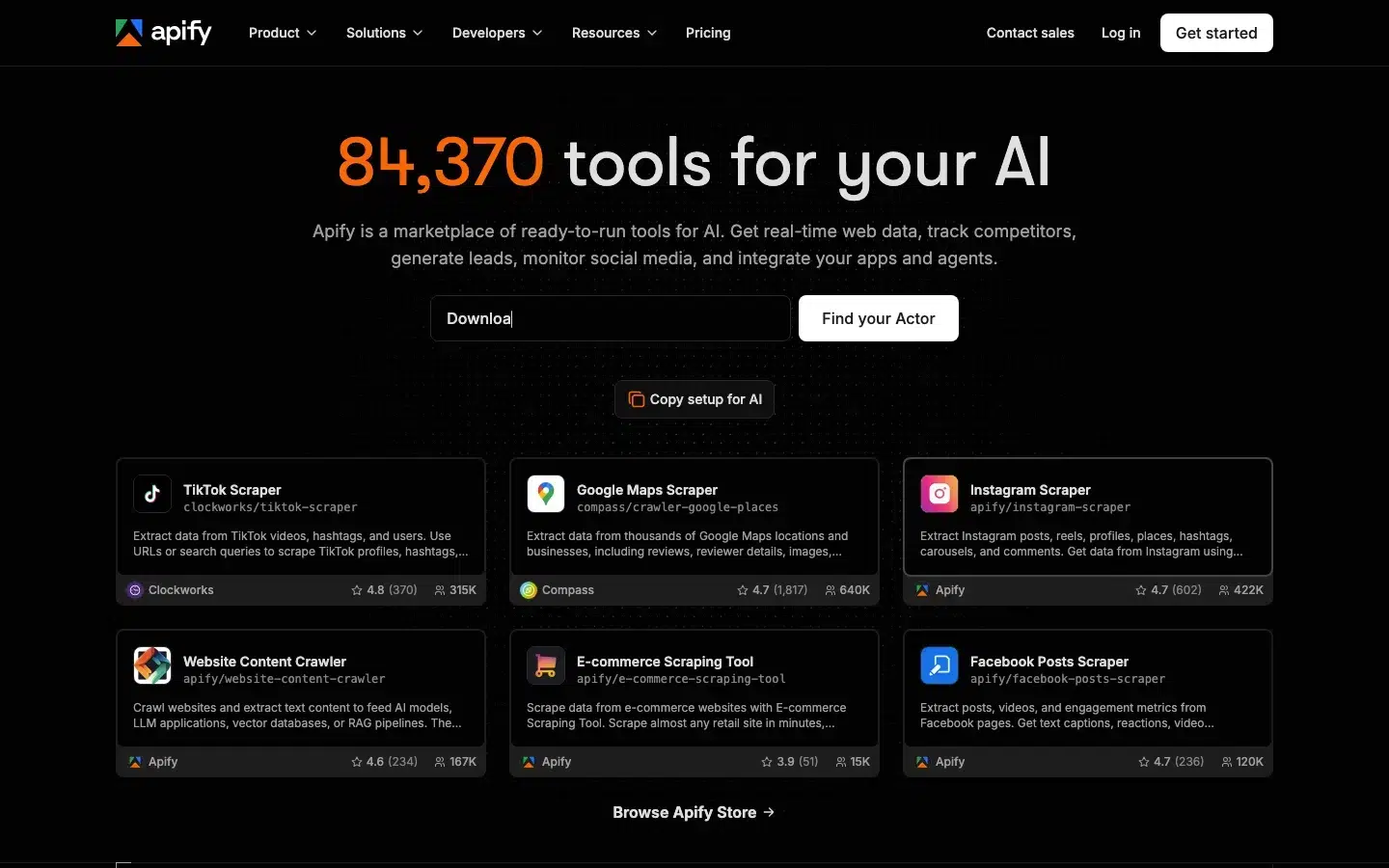
Apify is a cloud platform for building, running and selling serverless scrapers called Actors, with a Store that listed more than 84,000 of them on 9 October 2026, plus proxies and storage. Teams that want a marketplace or a place to host crawlers fit best.
Apify top features:
- Ready-made Actors in the Store cover many sites, or you build your own from JavaScript, TypeScript or Python templates.
- Schedules use cron expressions, with time zone and daylight saving support.
- Datasets export as JSON, CSV, XML, Excel, HTML table, RSS or JSONL.
- Apify Proxy offers datacentre, residential and Google SERP IPs with rotation and geotargeting, plus an Unblocker for anti-bot and CAPTCHA systems.
- Webhooks fire on run success or failure, and a REST API comes with JavaScript and Python clients.
- Integrations include Zapier, Google Sheets, Slack, Airtable, n8n, Airbyte, LangChain and an MCP server.
- Crawlee, the open-source library, adds browser fingerprinting and proxy tiering for your own crawlers.
Apify pros and cons:
| Pros | Cons |
|---|---|
| Breadth, because a ready scraper likely exists for many sites | Not fully no-code, because custom scrapers need JavaScript, TypeScript or Python |
| Anti-blocking is built into Store Actors, and Apify says you’re charged only for valid output when blocked | Unnamed datasets expire after seven days, and dataset storage is append-only |
| Wide export and integration options | A schedule holds at most 10 Actors and 10 tasks |
Apify pricing
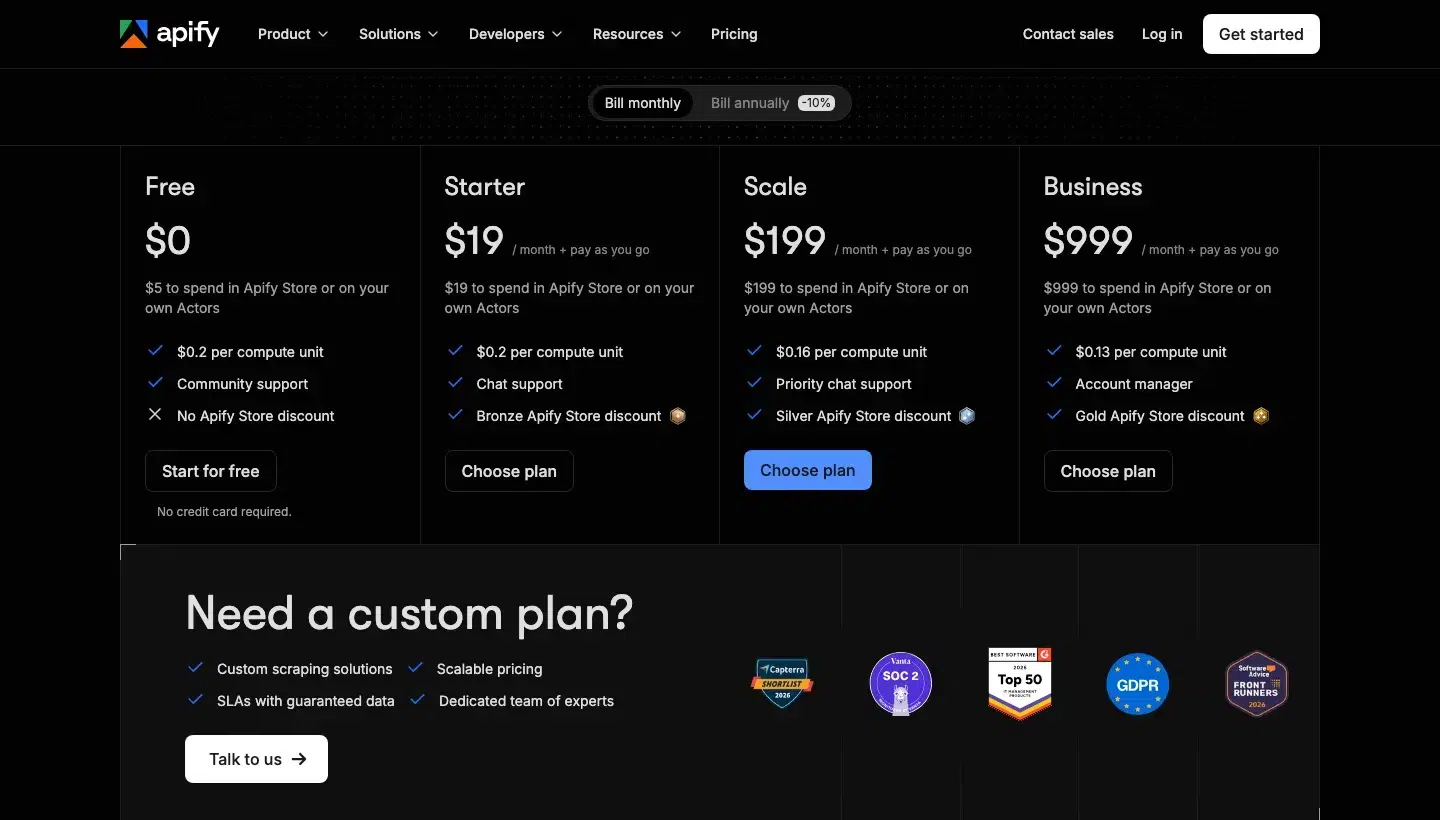
Apify bills in compute units (1 GB of RAM for one hour) plus Actor fees.
Starter is $19 a month with $19 of usage at $0.20 per compute unit, Scale is $199 ($0.16) and Business is $999 ($0.13), and a free plan includes $5 of monthly usage with no card.
Unused prepaid usage expires each cycle, per Apify’s pricing page.
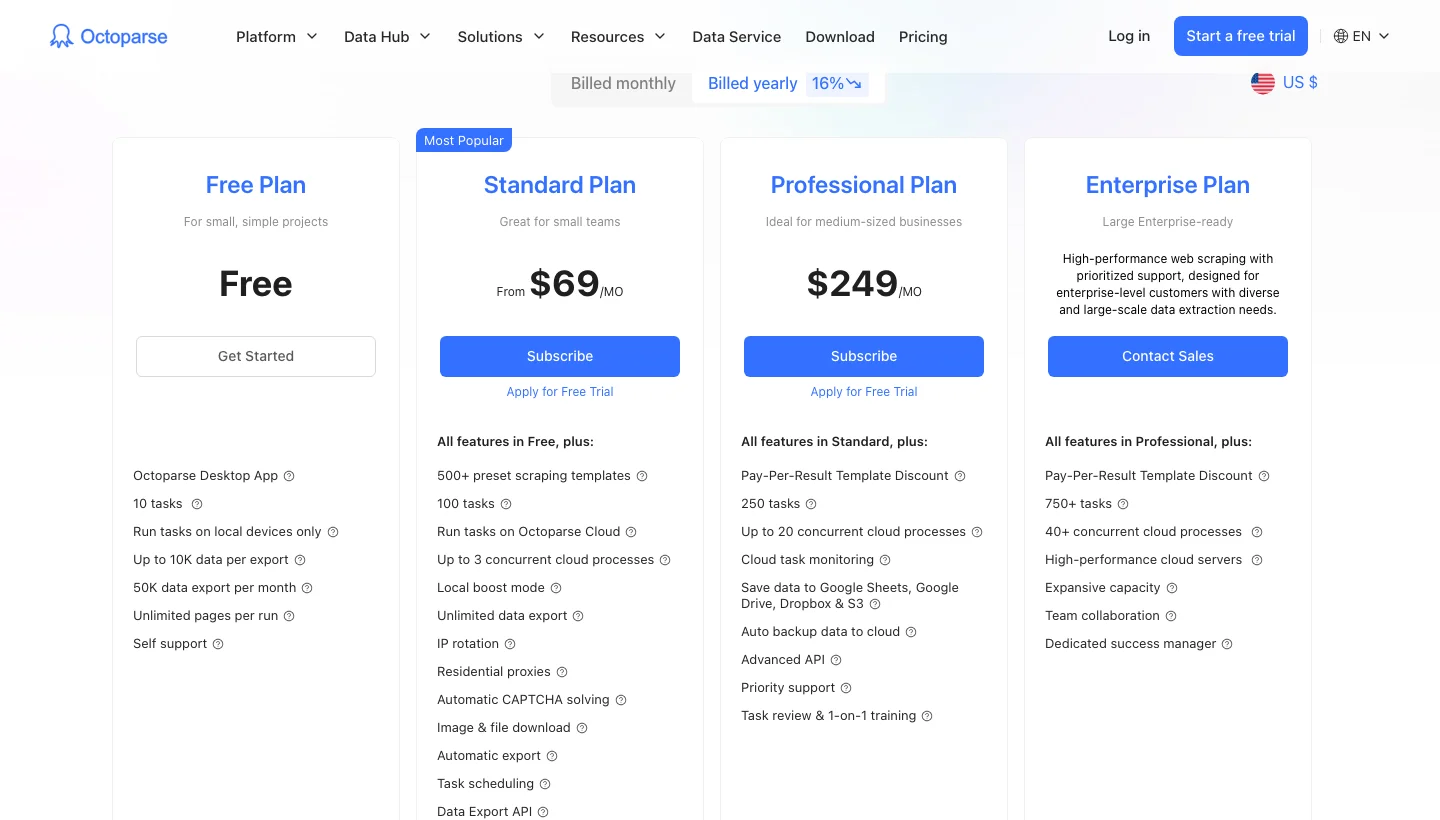
10. Octoparse: Best for non-developers who want a visual tool with ready templates
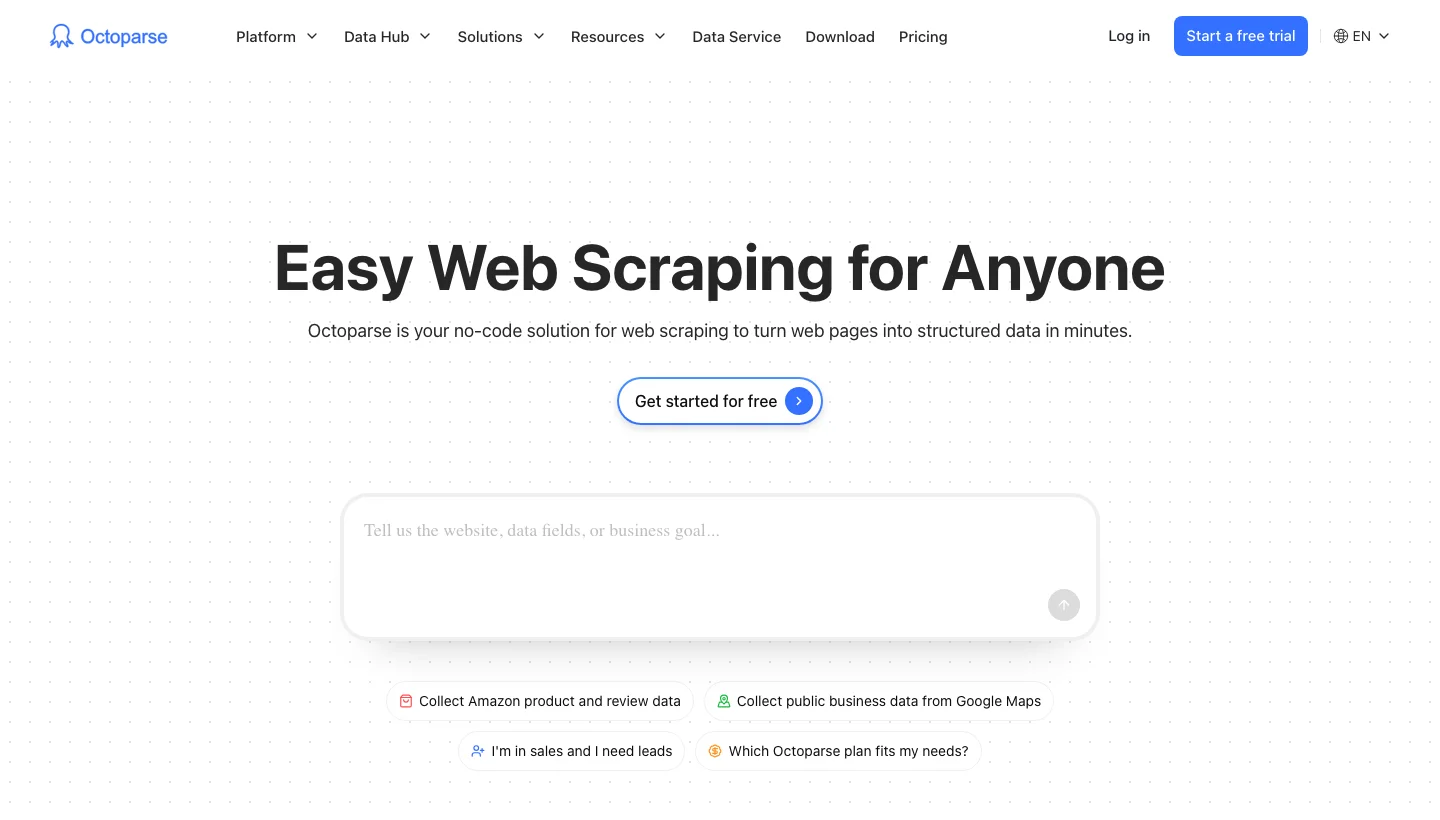
Octoparse is a desktop no-code scraper with cloud runs, more than 500 preset templates and paid add-ons. Non-developers, freelancers and small teams use it.
Octoparse top features:
- Auto-detect drafts the workflow, and you edit it by drag and drop.
- Logins, pagination, infinite scroll and CAPTCHAs are handled, according to the homepage.
- More than 500 preset templates cover Amazon, Google Maps, Google Search, TikTok and X.
- Cloud runs work around the clock, splitting large jobs and rotating IPs automatically.
- Task scheduling is available from the Standard plan.
- Exports go to Excel, CSV, JSON, HTML, XML, MySQL, SQL Server, PostgreSQL, Oracle, Google Sheets, Drive, Dropbox, S3 and Zapier.
- A Data Export API comes with Standard, an Advanced API with Professional, and there is an MCP server and a CLI.
- Task monitoring with email alerts is a Professional feature.
Octoparse pros and cons:
| Pros | Cons |
|---|---|
| IP rotation, residential proxies and CAPTCHA solving are listed for Standard | The free plan has no cloud extraction, IP rotation or CAPTCHA solving, and exports are capped at 10,000 rows each and 50,000 a month |
| Direct database export is included | Saving to Sheets, Drive, Dropbox or S3, cloud monitoring and the Advanced API are Professional features |
| Ready templates for popular sites | Cloud data retention starts at 30 days |
Octoparse pricing
Octoparse prices its plans by task count.
Standard is $83 a month ($69 billed annually) for 100 tasks, Professional is $299 ($249 billed annually) for 250 tasks, and a free plan allows 10 tasks.
Residential proxies cost $3/GB and CAPTCHA solving $1 to $1.50 per thousand, per Octoparse’s pricing page.
11. ParseHub: Best for non-technical users scraping interactive sites
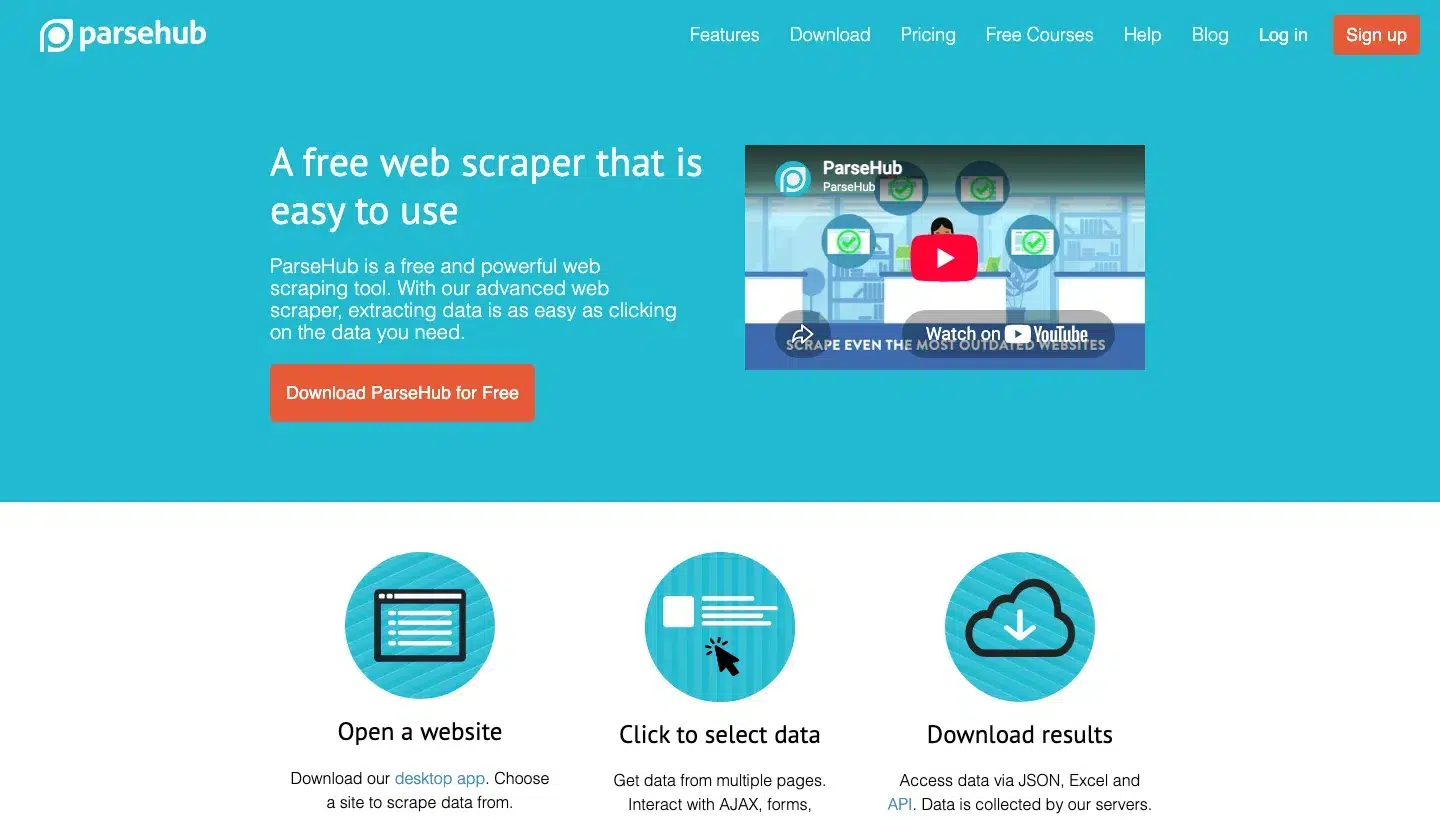
ParseHub is a point-and-click desktop scraper that handles AJAX, forms, dropdowns, logins and infinite scroll, running on ParseHub’s servers. Non-technical users scraping multi-step pages fit it.
ParseHub top features:
- Point-and-click selection uses a machine-learning engine that infers element hierarchy.
- AJAX pages, forms, dropdowns, logins, maps, infinite scroll, tabs and pop-ups are supported.
- Cloud collection has a per-project option to rotate IPs.
- Scheduled collection runs daily, weekly or monthly.
- Regular expressions clean text and HTML before download.
- A REST API returns JSON or CSV, with webhooks.
- Data downloads as JSON and Excel, and imports to Google Sheets and Tableau.
ParseHub pros and cons:
| Pros | Cons |
|---|---|
| Interactive-site coverage is stated explicitly | Needs a desktop app installed |
| Documented REST API with webhooks, recommended over polling | Runs above the plan’s speed limit are queued, and free-plan projects are public |
| Free plan needs no card, and refunds are offered no questions asked | The API is limited to five requests per second, queued up to 25, then 429 |
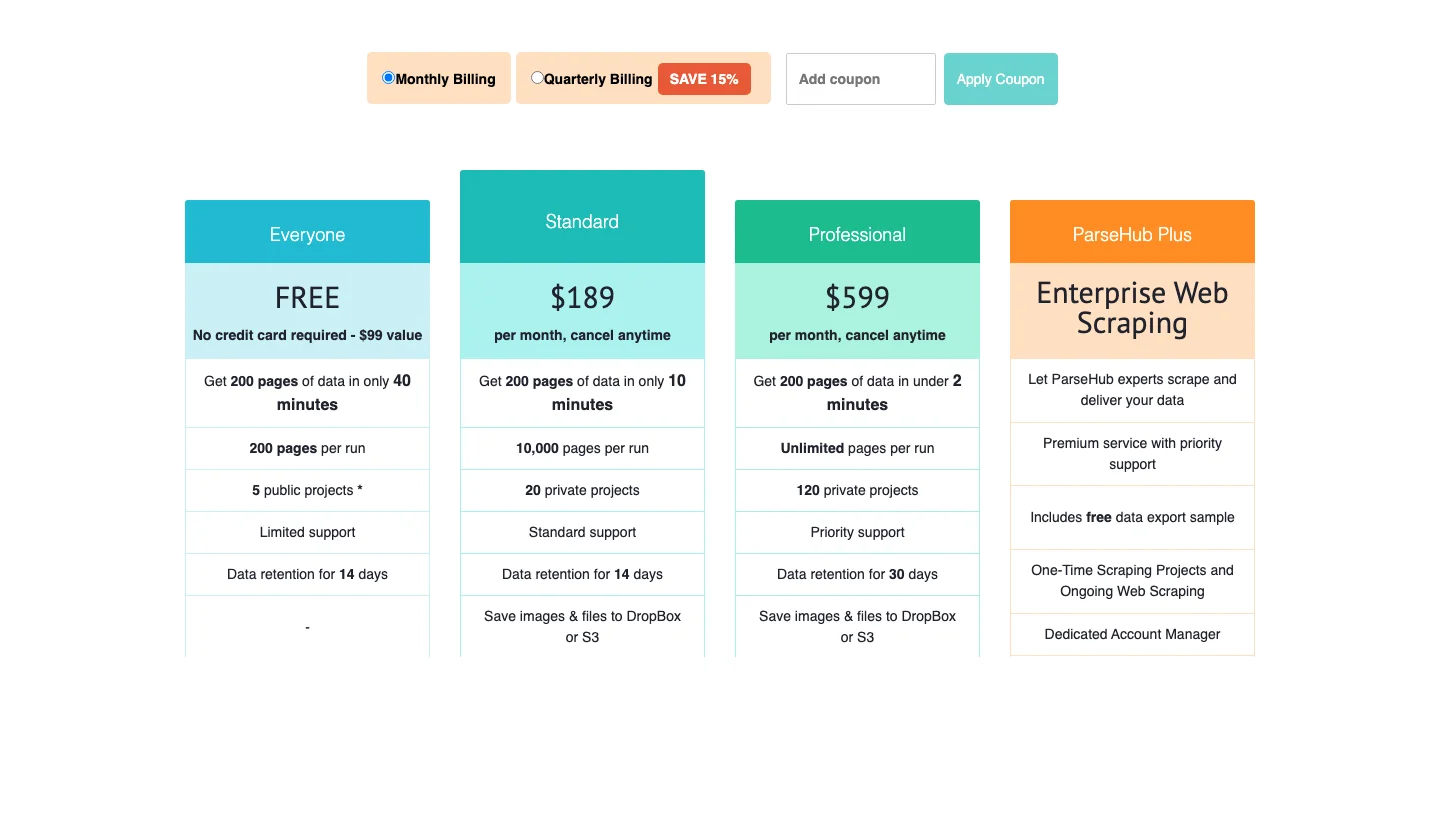
ParseHub pricing
ParseHub prices its plans by pages per run and number of projects.
Standard is $189 a month with 10,000 pages per run and 20 private projects, cancel anytime, Professional is $599 with unlimited pages per run, and a free plan allows 200 pages per run and five public projects.
Details are on ParseHub’s pricing page.
12. Web Scraper: Best for visual setup with predictable scaling
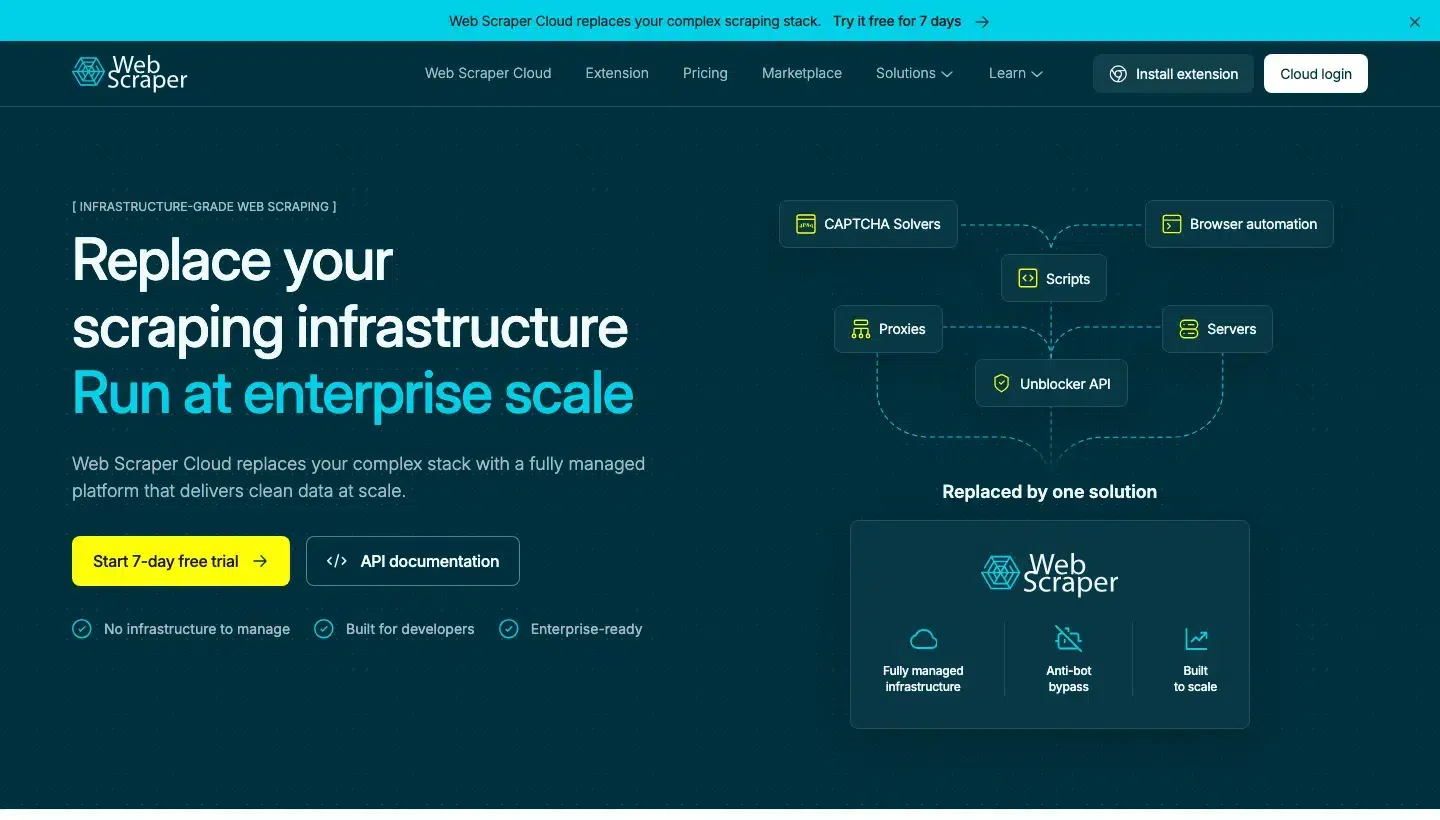
Web Scraper is a free browser extension for building scrapers as sitemaps, paired with Web Scraper Cloud, which runs them on a schedule. Teams that want visual setup and concurrency-based scaling fit it.
Web Scraper top features:
- The sitemap model lets you build in the extension, test, then run locally or in Cloud.
- An AI Sitemap Wizard sits beside an Advanced Sitemap Builder.
- Pagination, load more, infinite scroll, tabs and product variants are handled.
- The Cloud scheduler uses intervals or cron and has a job dashboard.
- Automated CAPTCHA bypass, retries and proxy rotation run in Cloud.
- A data parser applies per-column regex and replace rules without scripts.
- Quality monitoring uses validation rules such as minimum records, empty pages and column fill, with email alerts.
- An API, webhooks and delivery to Sheets, Drive, Dropbox, Google Cloud, Azure and S3 are available.
Web Scraper pros and cons:
| Pros | Cons |
|---|---|
| Validation rules help catch silent failures | Scheduling, proxies, monitoring, retries, API and webhooks are Cloud only |
| Web Scraper says it bypasses Cloudflare, DataDome, PerimeterX, Akamai, Kasada, hCaptcha and reCAPTCHA | Cloud retention is 30 days on Project and Professional |
| Local extension plus managed Cloud, with a seven-day Cloud trial | The docs state no tool guarantees compatibility with every site, and social platforms such as LinkedIn are excluded |
Web Scraper pricing
Web Scraper bills in URL credits, with one per page load.
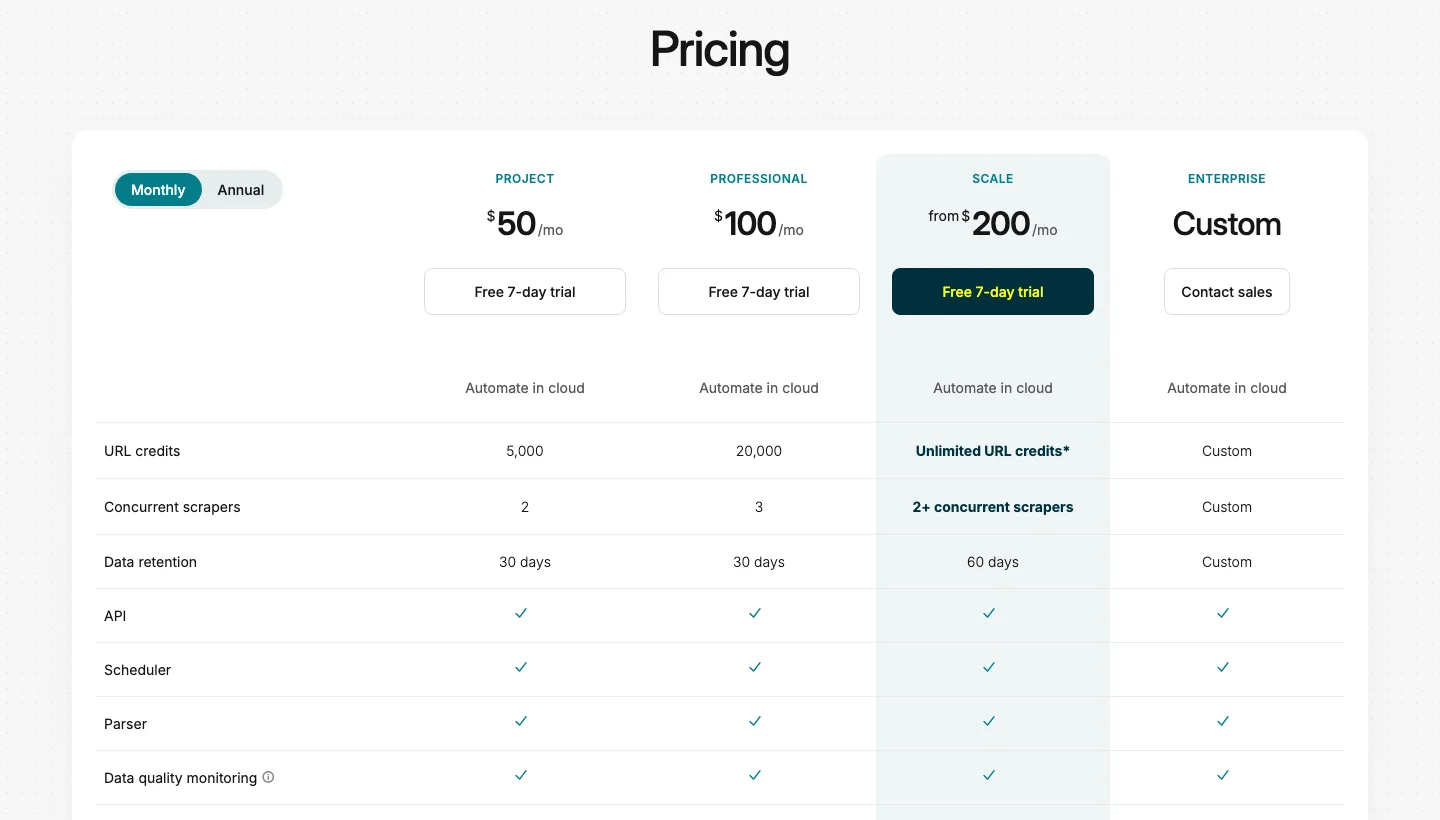
Project is $50 a month billed annually (5,000 credits, two concurrent scrapers), Professional is $100 (20,000, three), Scale starts from $200 (unlimited credits, priced per concurrent scraper), and a seven-day Cloud trial needs no card.
A residential proxy add-on costs $2.50/GB on Scale, per Web Scraper’s pricing page.
13. Browse AI: Best for monitoring pages and feeding spreadsheets
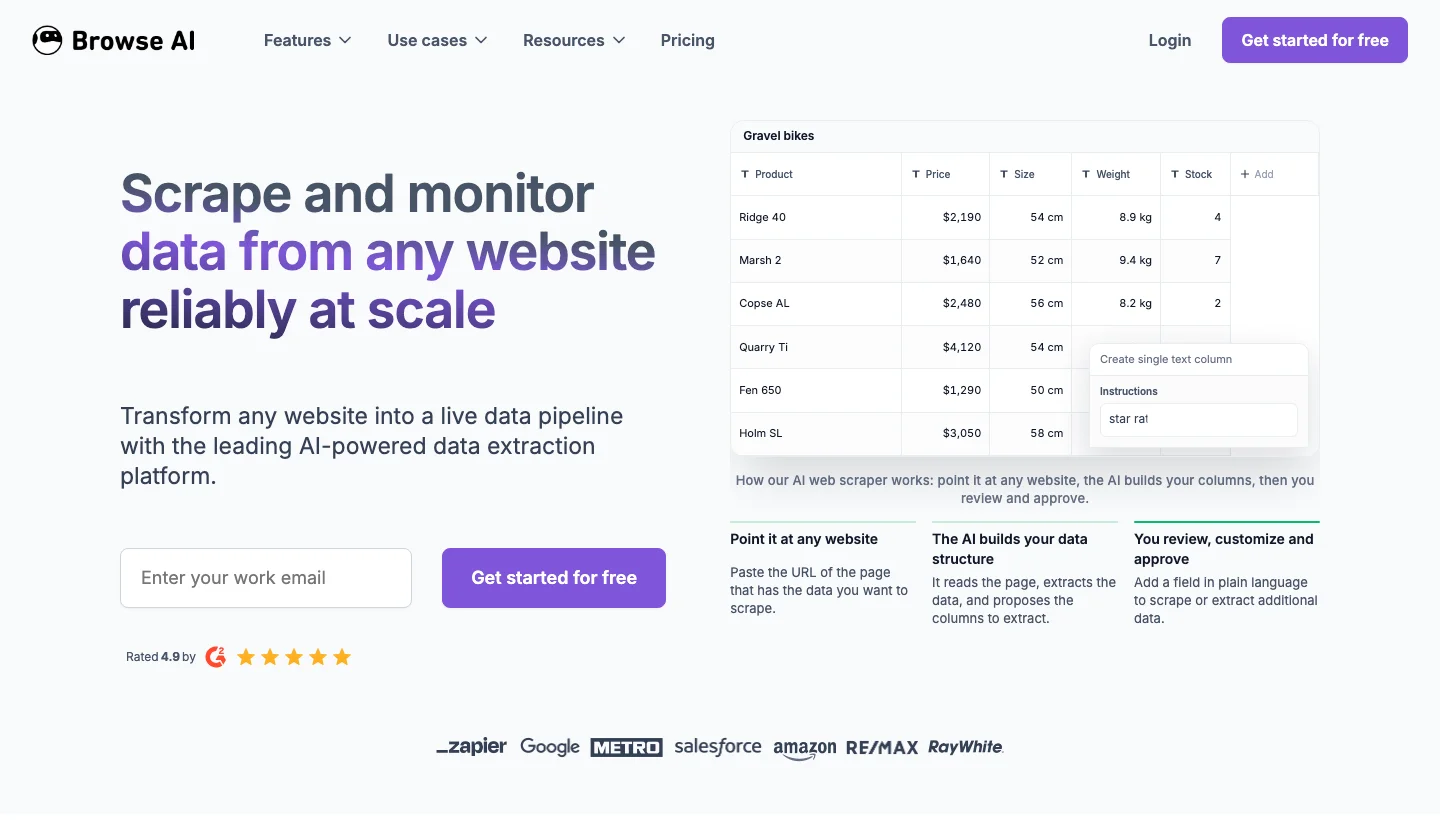
Browse AI lets you train robots by recording clicks, monitor pages for changes and send results to Google Sheets, Airtable, Zapier, Make or Amazon S3. Business users who want monitoring without code fit it.
Browse AI top features:
- Robots are trained by recording clicks, and AI structures list data for approval before a run.
- Prebuilt robots cover popular sites, and the page gives both 200+ and 250+ as the count.
- Change detection adapts robots to layout changes.
- Monitors send change alerts on an hourly, daily or weekly schedule.
- Pagination including infinite scroll, forms, dropdowns and logins are supported, with custom geo locations.
- Chained robots collect page and subpage data, and bulk runs handle up to 500,000 pages, per the FAQ.
- Data goes to CSV, JSON, S3, Sheets, Airtable, a REST API, webhooks, Zapier, Make and 7,000+ apps.
Browse AI pros and cons:
| Pros | Cons |
|---|---|
| Scraping and monitoring in one tool | The free plan covers two websites, Personal five and Professional 10 |
| Browse AI says robots adapt to layout changes instead of breaking | Premium sites cost at least two to 10 credits per run |
| Documented API with monitors, webhooks and bulk runs | Task execution is capped at 60 minutes |
Browse AI pricing
Browse AI bills in credits, with one per page or one per 10 extracted rows, whichever is more.
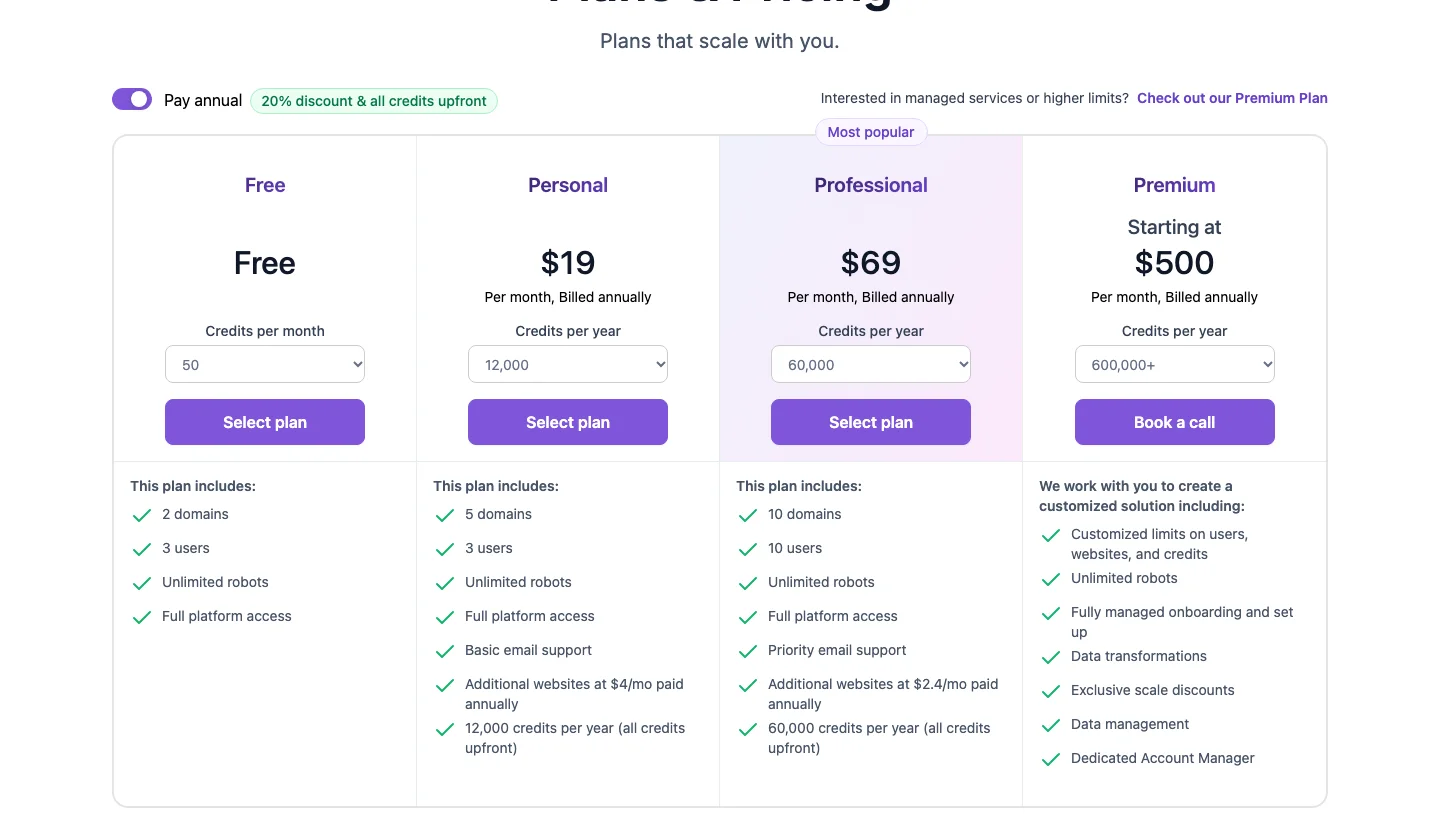
The page loads on annual billing, where Personal is $19 a month (12,000 credits a year), Professional is $69 (60,000 credits a year) and Premium starts from $500, and a free plan gives 50 credits a month with no card.
The monthly view of Browse AI’s pricing page shows different credit allowances, so check which one you are buying.
14. Thunderbit: Best for quick one-off lead and directory extractions
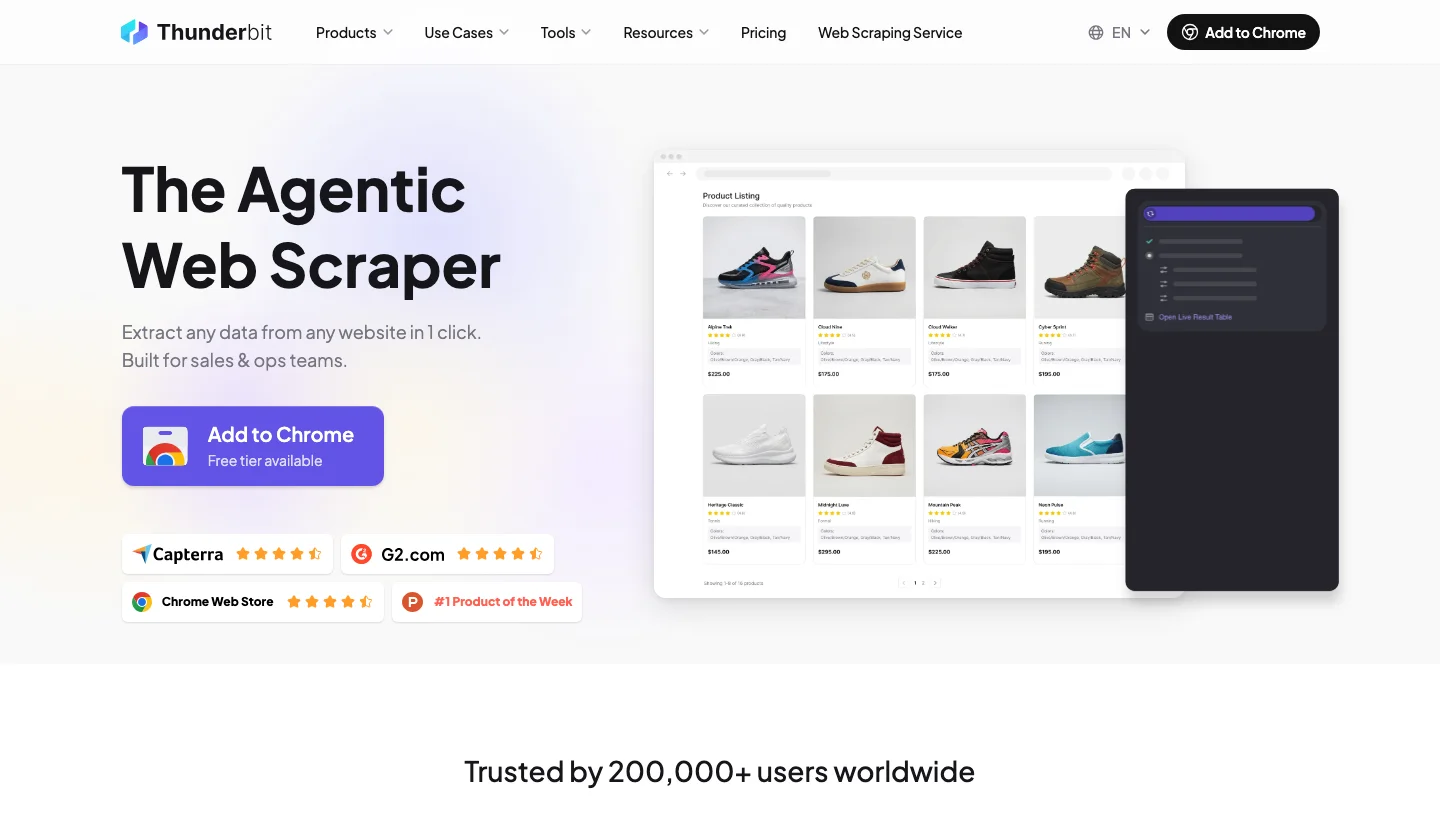
Thunderbit is an AI-driven Chrome extension and web app that scrapes a page from a plain-language description and exports to Excel, Google Sheets, Airtable or Notion. Non-technical users pulling leads or directory listings fit it.
Thunderbit top features:
- You describe the data in plain language, and AI suggests fields with no selectors.
- Subpage scraping appends columns to your table.
- Pagination and bulk scraping come with Starter and Pro.
- Pre-built templates for Amazon, eBay and Google Maps use no AI credits.
- It extracts from PDFs, images and documents.
- It can summarise, categorise and translate during a run.
- Scheduled scrapers number one on Free, five on Starter and 25 on Pro, with minimum monitor intervals of one day, one hour and five minutes.
- An Open API takes batches of up to 100 URLs with webhooks, and a CLI and an MCP server are available.
Thunderbit pros and cons:
| Pros | Cons |
|---|---|
| One-click setup without selectors | Free gives six pages a month, three URLs per bulk run and 14-day retention |
| Templates avoid credit use on popular sites | Scheduled scrapers are capped at five on Starter and 25 on Pro |
| The API handles JavaScript rendering, geo-routing and proxy rotation | Template pages describe extraction as limited to what is visible |
Thunderbit pricing
Thunderbit bills in credits.
The page loads on yearly billing, where Starter is $9 a month (5,000 credits a year) and Pro is $16.50 (30,000 credits a year, limited-time discount), while monthly billing is $15 for Starter (500 credits) and $38 for Pro (3,000 credits).
A free plan covers six pages a month, and details are on Thunderbit’s pricing page.
15. Firecrawl: Best for feeding AI agents and RAG pipelines with markdown
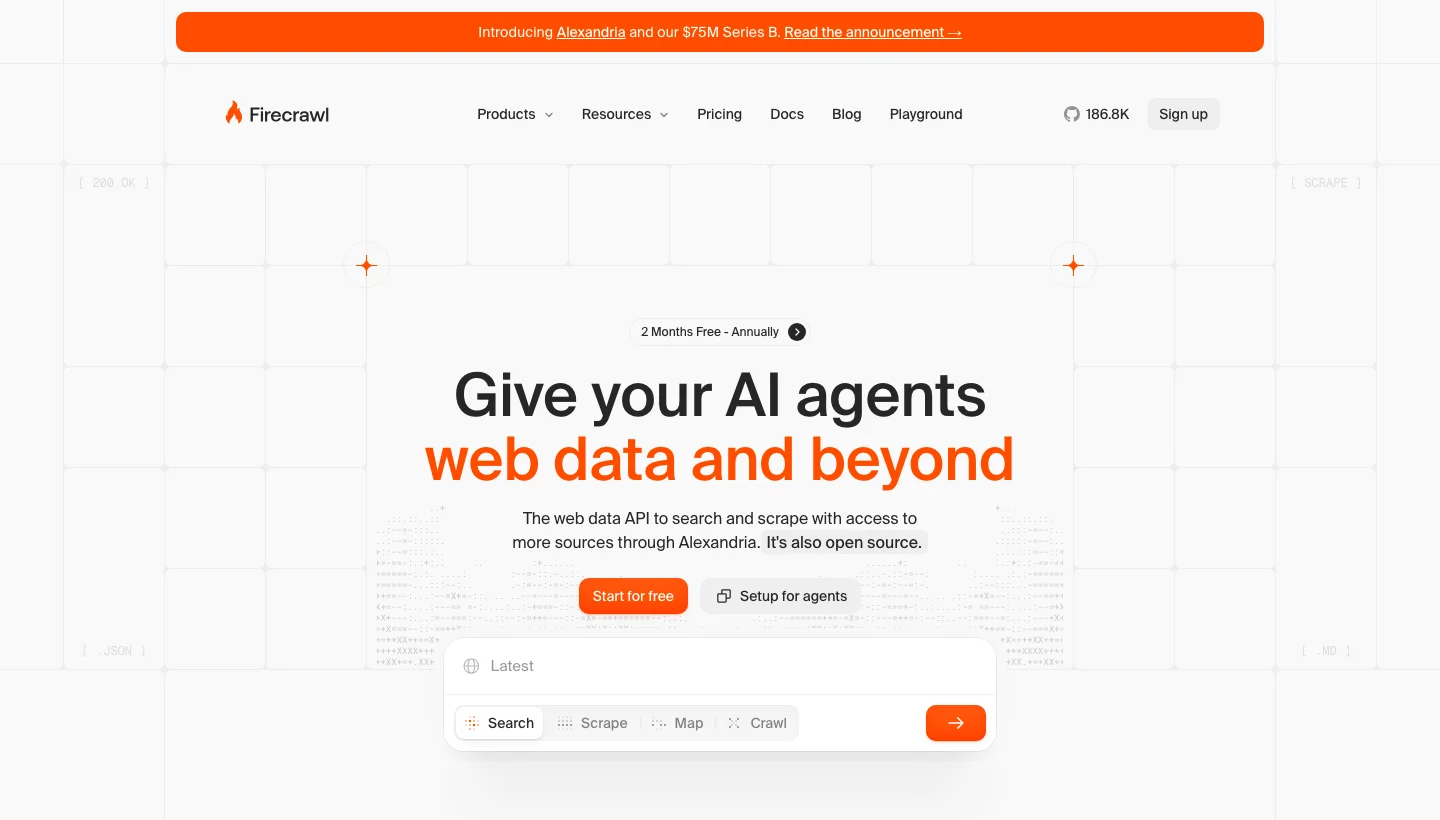
Firecrawl is an API that turns pages into LLM-ready data through scrape, crawl, map, search and browser-interaction endpoints. Developers building agent and retrieval pipelines fit it.
Firecrawl top features:
- Scrape output formats include markdown, summary, cleaned or raw HTML, links, images, screenshots, JSON, branding and a natural-language query format.
- Structured extraction takes a JSON schema or just a prompt and returns JSON.
- Crawl controls cover depth, include and exclude path regex, sitemap modes and subdomain switches, with a default cap of 10,000 pages and robots.txt respected.
- The Interact endpoint clicks and fills forms on a scraped page from a prompt or code.
- The Monitor endpoint runs scheduled checks, at intervals down to five minutes, with change tracking sent by webhook, email or Slack.
- JavaScript rendering, PDFs and DOCX are handled, and a Parse feature converts local files.
- SDKs for six languages, a CLI, an MCP server, LangChain and LlamaIndex integrations and a self-hostable open-source repository are available.
Firecrawl pros and cons:
| Pros | Cons |
|---|---|
| Widest output range of the three AI-native tools, including deterministic product extraction with no LLM call | The self-hosted version leaves out Agent, Browser, Interact and the dashboard |
| Built-in change tracking with per-field JSON diffs | Crawls reach only child paths of the start URL by default, and results can differ between runs |
| Broad SDK coverage plus MCP and CLI | Pages that respond 403 or 404 still cost one credit |
Firecrawl pricing
Firecrawl charges one credit per page, and JSON extraction adds four.
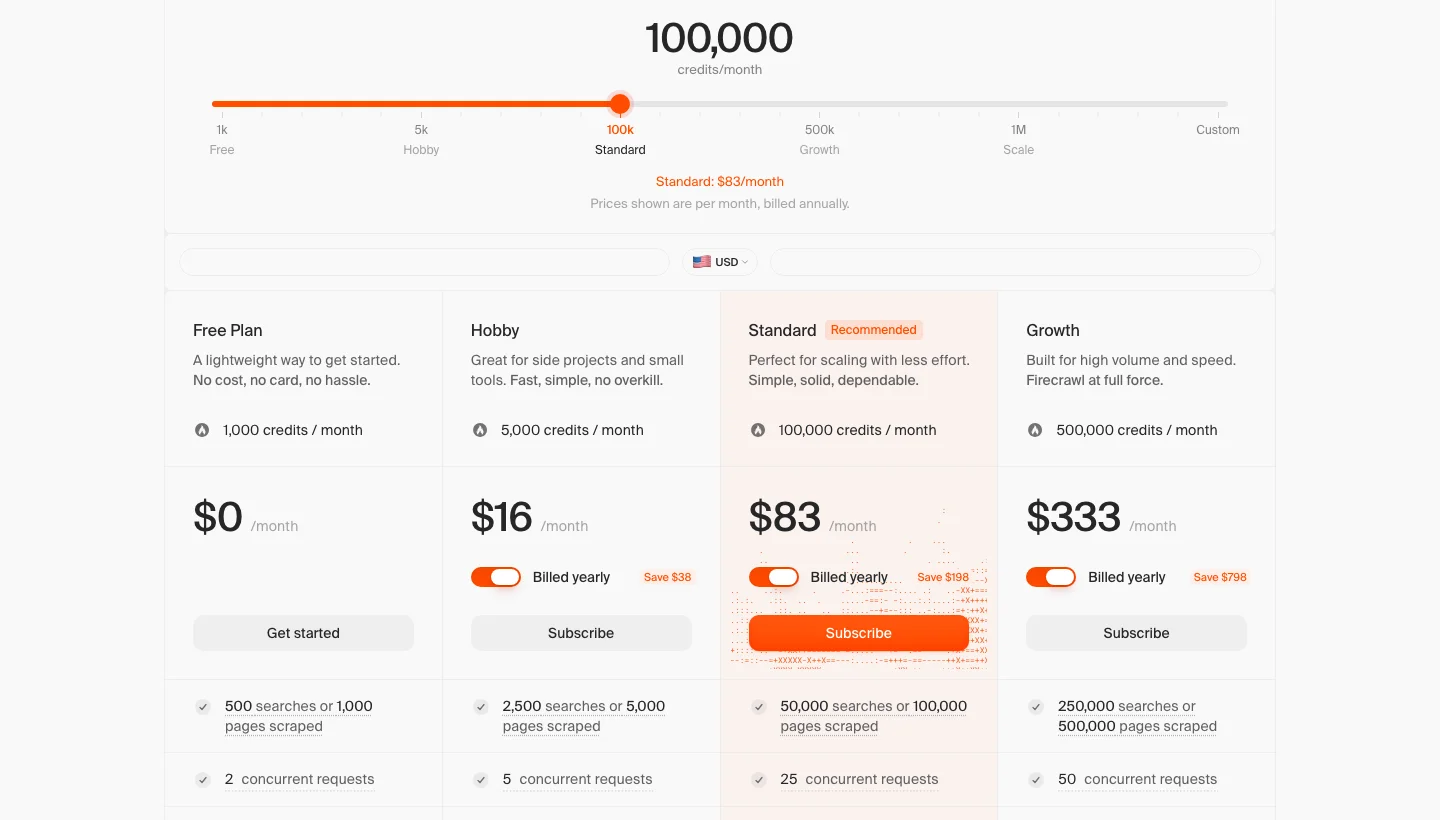
Hobby is $19 a month billed monthly or $16 billed yearly (5,000 credits), Standard is $83 billed yearly (100,000), Growth is $333 (500,000) and Scale is $599 (1,000,000), and the free tier gives 1,000 credits a month and two concurrent requests with no card.
Prices were effective 4 September 2026 per Firecrawl’s pricing page.
16. Crawl4AI: Best for Python developers who want free, controllable crawling
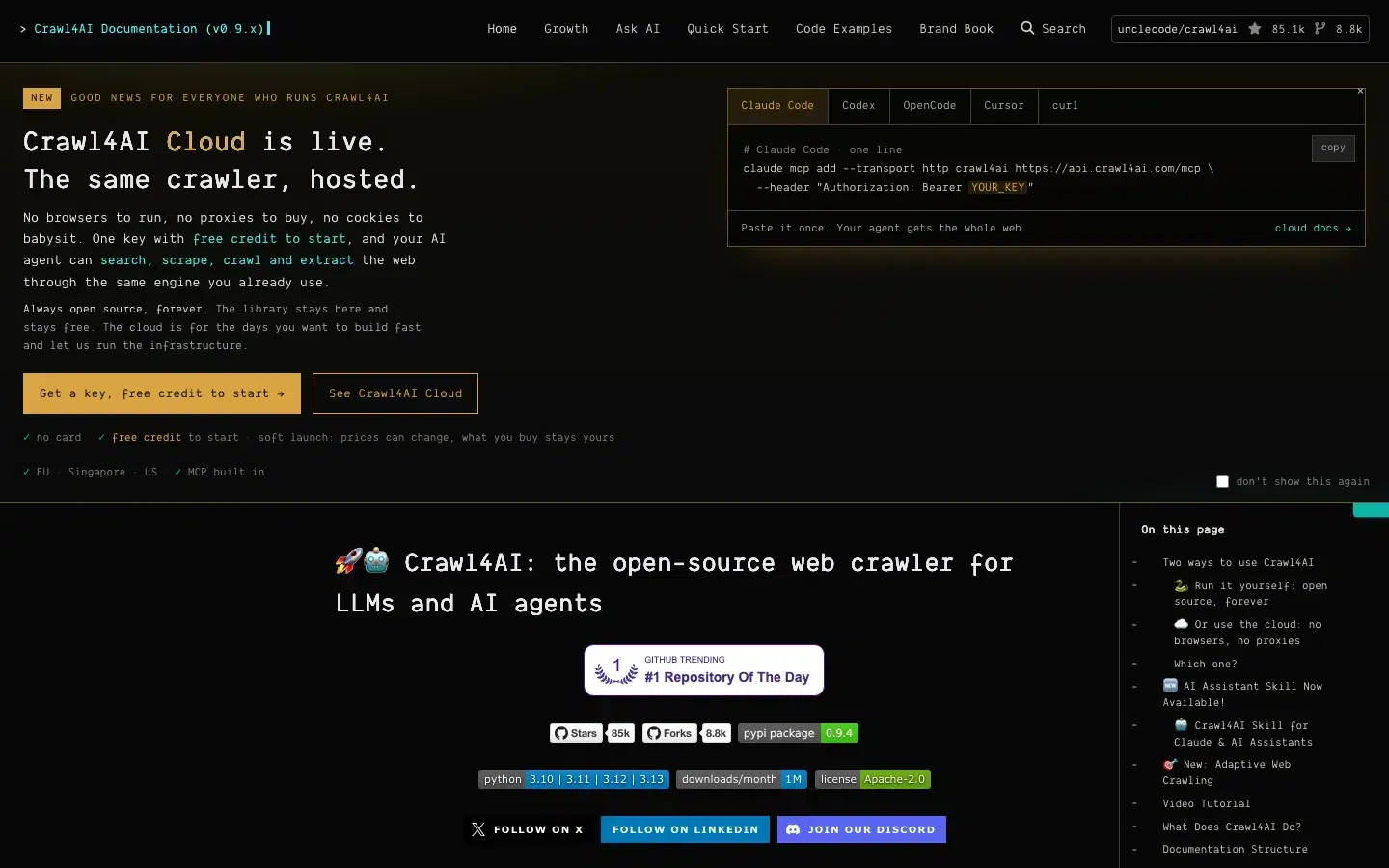
Crawl4AI is an open-source Python crawler that turns sites into LLM-ready markdown or structured data, and it now has a hosted Crawl4AI Cloud. Python developers with hosting capacity fit the library, and teams without engineering capacity fit the cloud version better.
Crawl4AI top features:
- Clean markdown generation uses fit filters (pruning, BM25 or LLM-based) that strip menus and boilerplate, with numbered link citations.
- Extraction without an LLM uses CSS, XPath and regex strategies, with a schema generator that writes reusable schemas.
- LLM extraction into a typed JSON schema works with any provider, including local models through Ollama.
- Deep crawling runs breadth-first, depth-first or best-first with crash-recovery resume, and an adaptive crawler stops once it has enough to answer a query.
- Browser control covers persistent profiles, remote browsers over CDP, sessions, authenticated proxies with rotation, stealth mode and Chromium, Firefox and WebKit.
- Dynamic pages are handled by running JavaScript, waiting for elements, scrolling and capturing screenshots or PDFs.
- Caching and batch crawling are built in, and cloud batches take up to 50 URLs per streamed call or 10,000 in a background job.
- Self-hosting through Docker adds a REST API, MCP, a dashboard and a playground.
Crawl4AI pros and cons:
| Pros | Cons |
|---|---|
| Free under Apache 2.0, with no forced API key for the library | The library and Docker server leave JavaScript-heavy pages, bot walls and proxies to your own settings |
| Two extraction routes, no-LLM selectors for cheap repeatable runs and LLM extraction for messy pages | Web search and answers are cloud-only |
| Deepest browser and proxy control, including persistent logged-in profiles | The cloud /answer endpoint is labelled experimental |
Crawl4AI pricing
The Crawl4AI library is free, and the cloud service sells prepaid packs with no billing unit for the library itself.
New cloud accounts get 2,000 credits on signup plus a 7-day pass of 20 credits, and packs are $10 for 10,000 credits, $25 for 27,500 and $100 for 125,000, though the site warns that prices can change.
Details are in the Crawl4AI documentation.
17. ScrapeGraphAI: Best for prompt-based structured extraction
ScrapeGraphAI is an AI-powered API that scrapes, extracts, searches, crawls and monitors pages, using natural-language prompts to pull structured fields without selectors. Developers who want prompt-based extraction fit it.
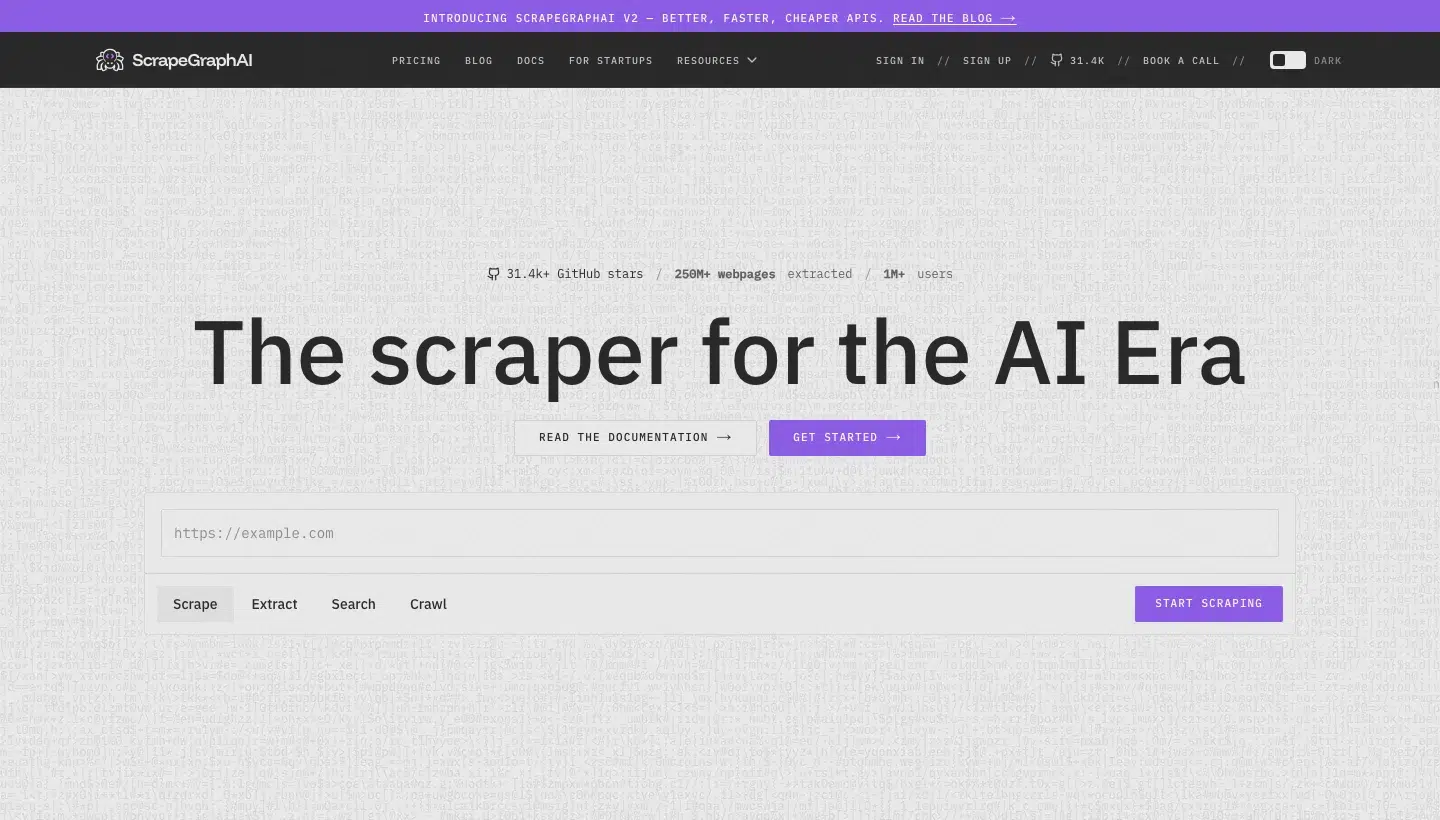
ScrapeGraphAI top features:
- The Scrape endpoint returns markdown, HTML, screenshots, JSON, links, images, summaries or branding analysis.
- The Extract endpoint turns a URL, raw HTML or markdown into JSON from a natural-language prompt, optionally enforced by a JSON schema.
- The Search endpoint searches the web and extracts structured data from results in one call.
- The Crawl endpoint is asynchronous, with start, stop and resume controls.
- The Monitor endpoint runs cron-scheduled checks and fires webhooks on page changes.
- A reusable Schema store and a History endpoint retrieve past results.
- Render modes auto, fast and js come with a stealth toggle for anti-bot bypass.
- Python and JavaScript SDKs, an MCP server, a CLI and LangChain, LlamaIndex, CrewAI and Zapier integrations are available, alongside an MIT-licensed open-source Python library.
ScrapeGraphAI pros and cons:
| Pros | Cons |
|---|---|
| Prompt-based extraction with no selectors, and JSON schema enforcement for fixed output shapes | Proxy rotation is listed only from the Growth plan |
| Choice of open-source library (bring your own LLM) or managed API with proxies and anti-bot included | The free plan allows one concurrent crawl and 10 requests a minute |
| SOC 2 Type II compliance stated for all requests | In the open-source library, proxies, anti-bot and browser setup are your job |
ScrapeGraphAI pricing
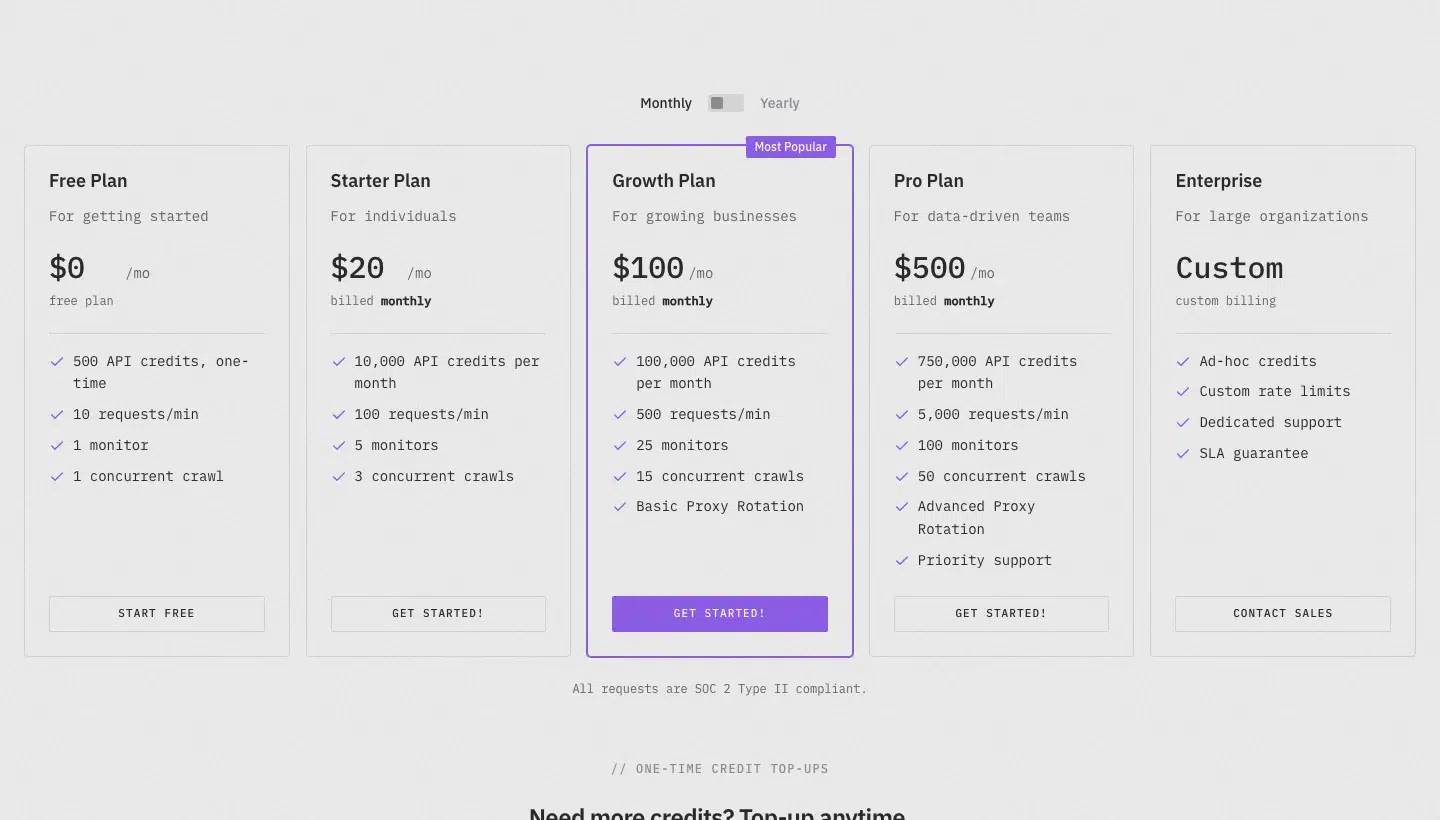
ScrapeGraphAI charges one credit for a markdown scrape and five for extraction, and stealth mode adds five.
Starter is $20 a month (10,000 credits), Growth is $100 (100,000) and Pro is $500 (750,000), and the free trial is 500 credits, one time, at 10 requests a minute.
Details are on ScrapeGraphAI’s pricing page.
18. Diffbot: Best for structured article, product and company data without per-site rules
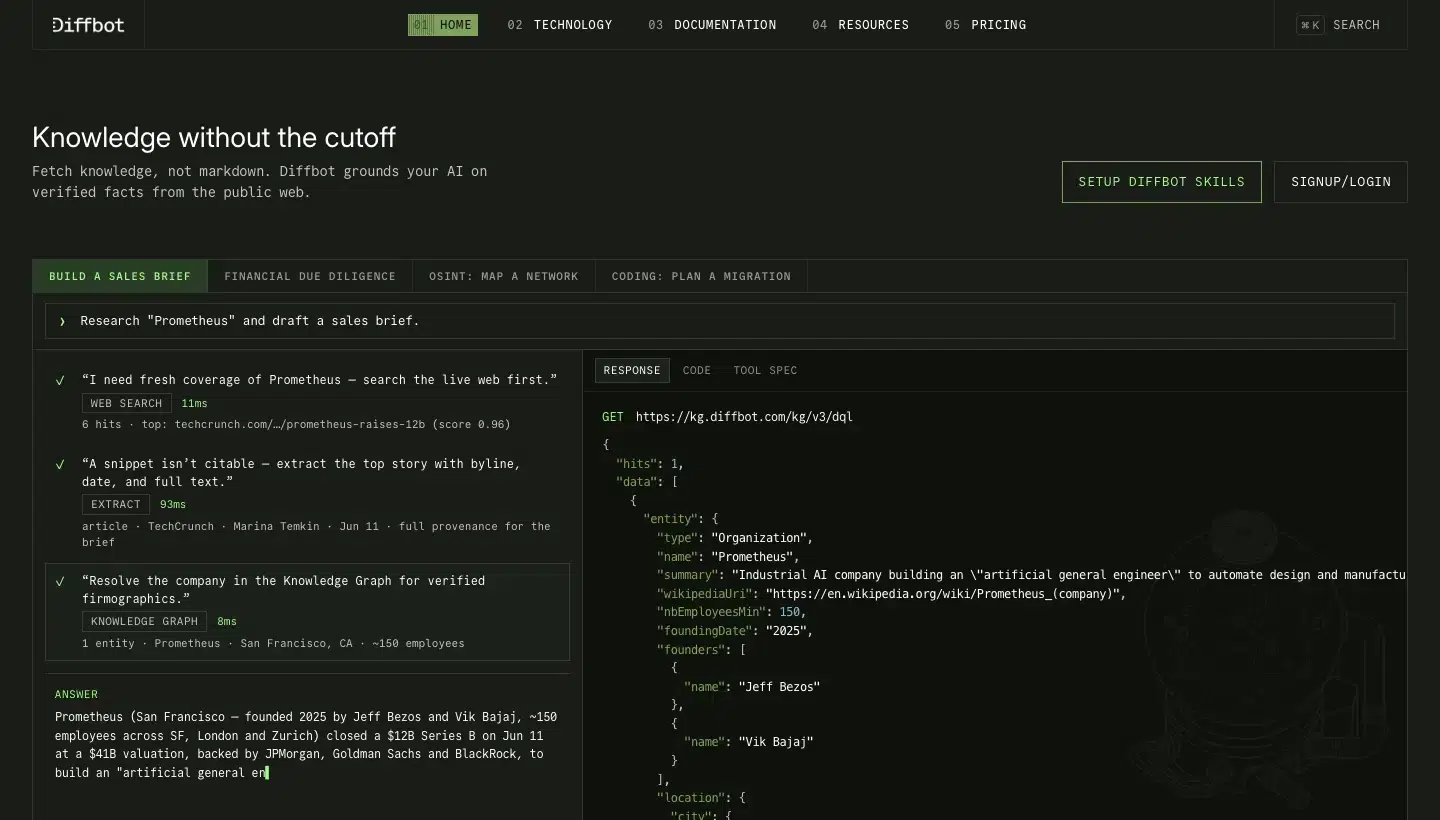
Diffbot is an AI-based web data company that sells Extract APIs, Crawl, a Knowledge Graph and Natural Language and Web Search APIs. It extracts data with computer vision and language processing instead of selectors, so it suits teams that scrape many sites whose layouts change.
Diffbot top features:
- A page-classification API picks the right extractor for any page.
- Page-type APIs cover articles, products, images, video and discussions, with event, list and job types in beta.
- Computer vision and NLP extraction needs no per-site rules.
- Crawl spiders a site from one seed URL and runs Extract on every page.
- The Knowledge Graph holds over 10 billion entities.
- Enhance matches uploaded data to Knowledge Graph records.
- The Natural Language API resolves entities and sentiment, and the Web Search API returns live results.
Diffbot pros and cons:
| Pros | Cons |
|---|---|
| No selectors to maintain, because Diffbot says rule-based scraping gets costly at scale | Paid entry is $299 a month, and Crawl needs Plus at $899 |
| A real free tier with no card | Diffbot calls Extract primarily a technical product |
| Ready-made company and news data | Knowledge Graph entities cost 25 credits each |
Diffbot pricing
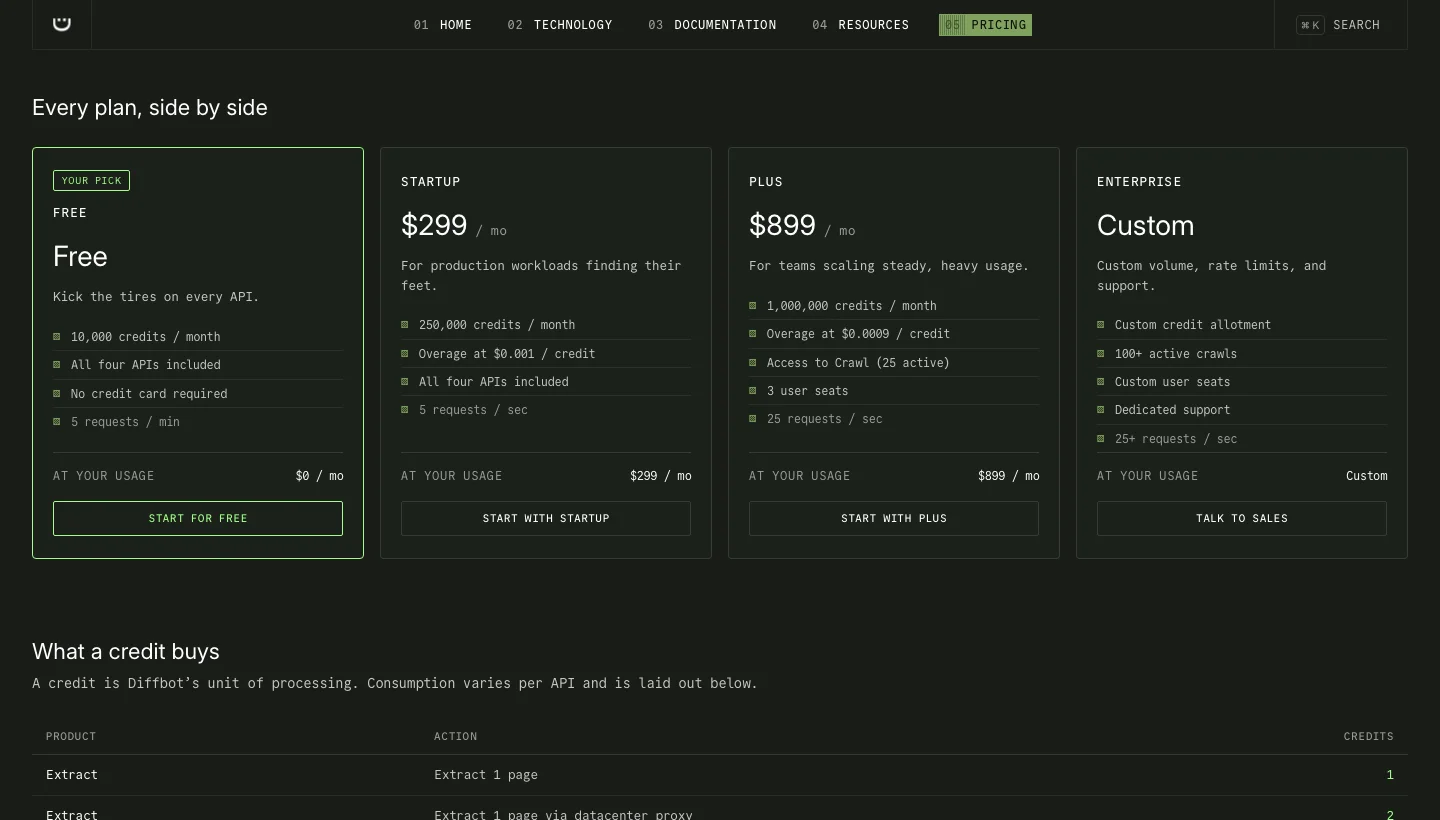
Diffbot charges one credit per page (two through a datacentre proxy), 25 per Knowledge Graph entity and one per web search.
Startup is $299 a month (250,000 credits, overage $0.001), Plus is $899 (1,000,000, overage $0.0009, Crawl with 25 active crawls, three seats), and a free plan gives 10,000 credits a month with no card at five requests a minute.
Details are on Diffbot’s pricing page.
19. ScrapeHero: Best for non-developers scraping popular sites, or outsourcing custom crawls
ScrapeHero has two parts. ScrapeHero Cloud offers no-code, ready-made scrapers and real-time APIs, and a fully managed service builds custom crawlers, APIs and automation for you. Non-developers scraping popular sites and firms outsourcing crawls fit it.
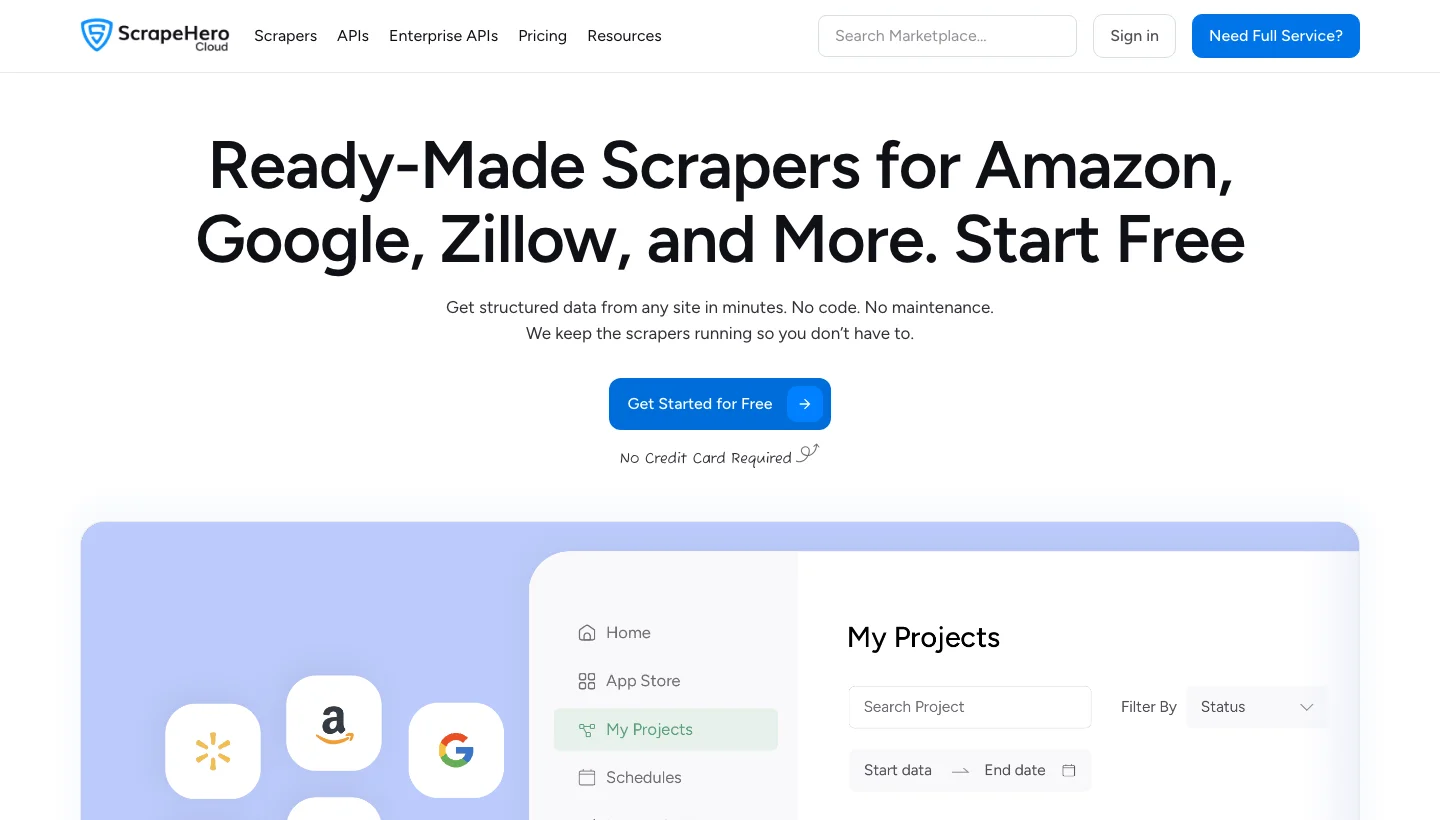
ScrapeHero top features:
- More than 50 scrapers and APIs cover sites such as Amazon, Walmart and Google Maps.
- Real-time APIs are offered for Amazon, Walmart, Shopify and more.
- Scheduling runs hourly, daily or weekly.
- ScrapeHero handles site changes and blocking, so maintenance is included.
- Rotating proxies are standard, with premium proxies from the $100 plan.
- Role-based access control is available.
- The managed service builds custom crawlers and APIs, and retail store location data is offered.
ScrapeHero pros and cons:
| Pros | Cons |
|---|---|
| Free start with no card, and $5 self-service entry | Pre-built scrapers cover named sites only |
| Maintenance is included, because the vendor fixes scrapers when sites change | The managed service starts at $550 per site, or $199 a month per website plus setup |
| Ready-made scrapers and APIs for popular retailers | Free credits don’t renew, yet the FAQ mentions a 30-day trial |
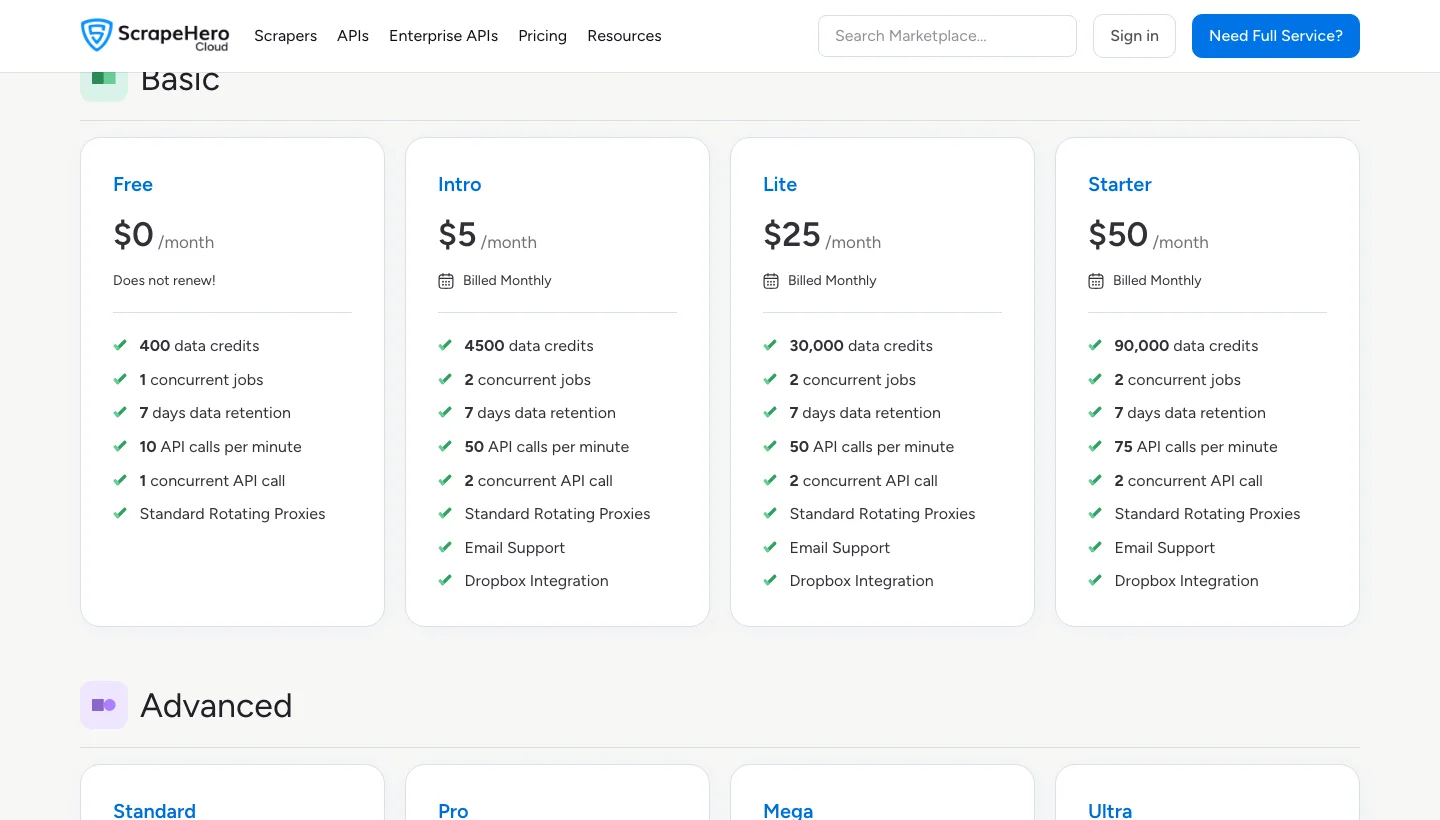
ScrapeHero pricing
ScrapeHero Cloud bills in data credits, while the managed service bills by pages.
Cloud plans are Intro at $5 a month (4,500 credits), Lite at $25 (30,000), Starter at $50 (90,000) and Standard at $100 (225,000), the managed service starts from $550 per site, and 400 free credits don’t renew.
Details are on ScrapeHero Cloud’s pricing page.
20. Mozenda: Best for business teams that want a supported point-and-click scraper
Mozenda is a cloud-hosted point-and-click scraping platform sold as licensed software, with on-premise and managed data service options. It still exists under the same name, and its About page says it joined Dexi.io in July 2020.
Mozenda top features:
- Point-and-click agent building comes with XPath for harder sites.
- Job Sequencer chains agents and publishing.
- Request Blocking speeds up runs.
- Premium Harvesting collects from different geographic locations.
- Templates, agent grouping and email alerts are included.
- API access controls agents and collections, and output comes as TSV, CSV, XML, XLSX or JSON.
- Managed Data Services handle harvesting and data wrangling for you.
Mozenda pros and cons:
| Pros | Cons |
|---|---|
| Trial accounts get phone and email support | Building agents needs software on a Windows PC |
| An on-premise option for private networks | Plan details beyond the three tiers aren’t published |
| 30-day money-back on all plans | Someone must learn the tool, unless you buy managed services |
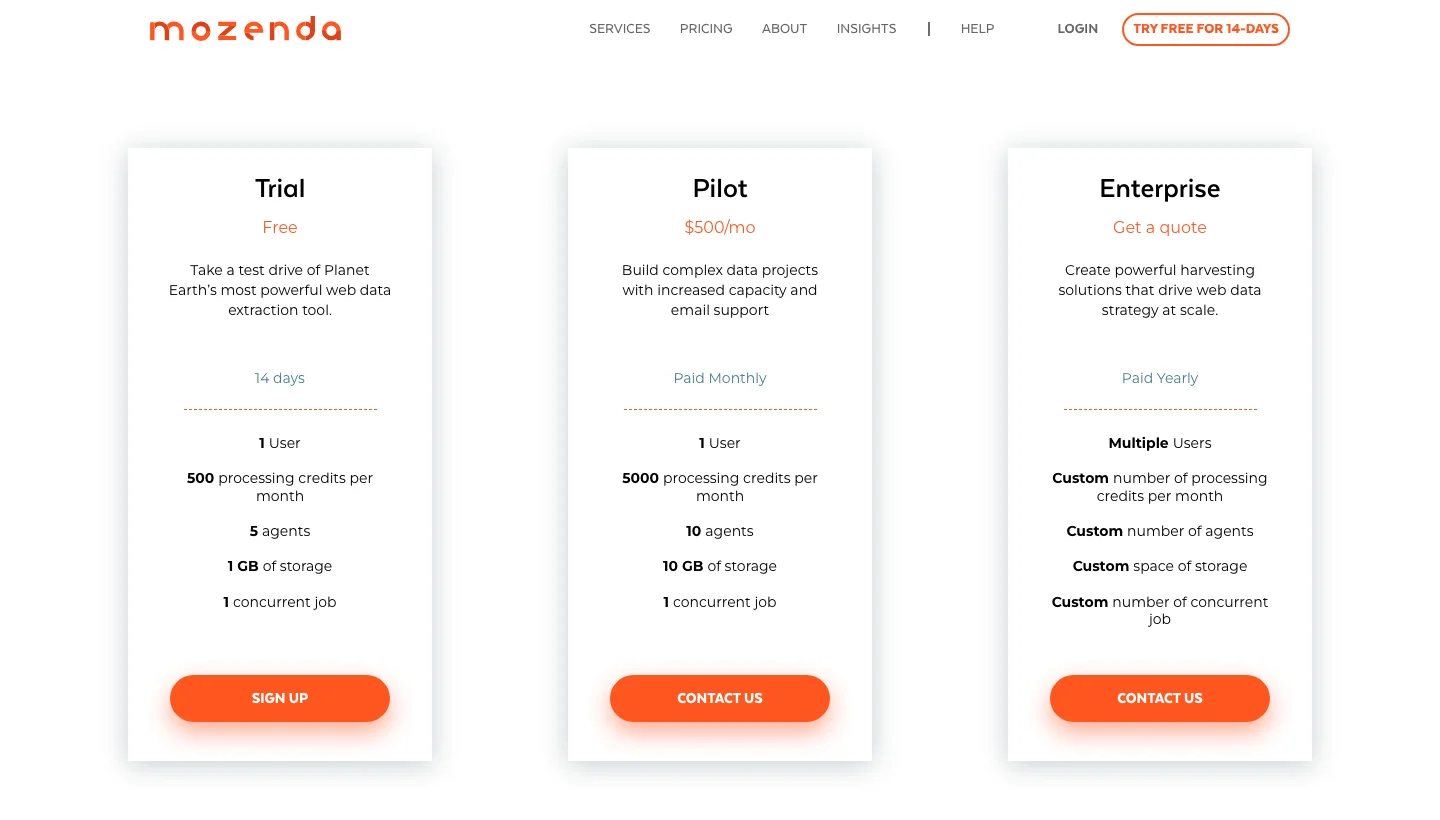
Mozenda pricing
Mozenda bills in processing credits per month.
Pilot is $500 a month (5,000 credits, 10 agents, 10 GB), Enterprise is on quote and paid yearly, and the 14-day trial includes 500 credits, five agents and 1 GB.
Details are on Mozenda’s pricing page.
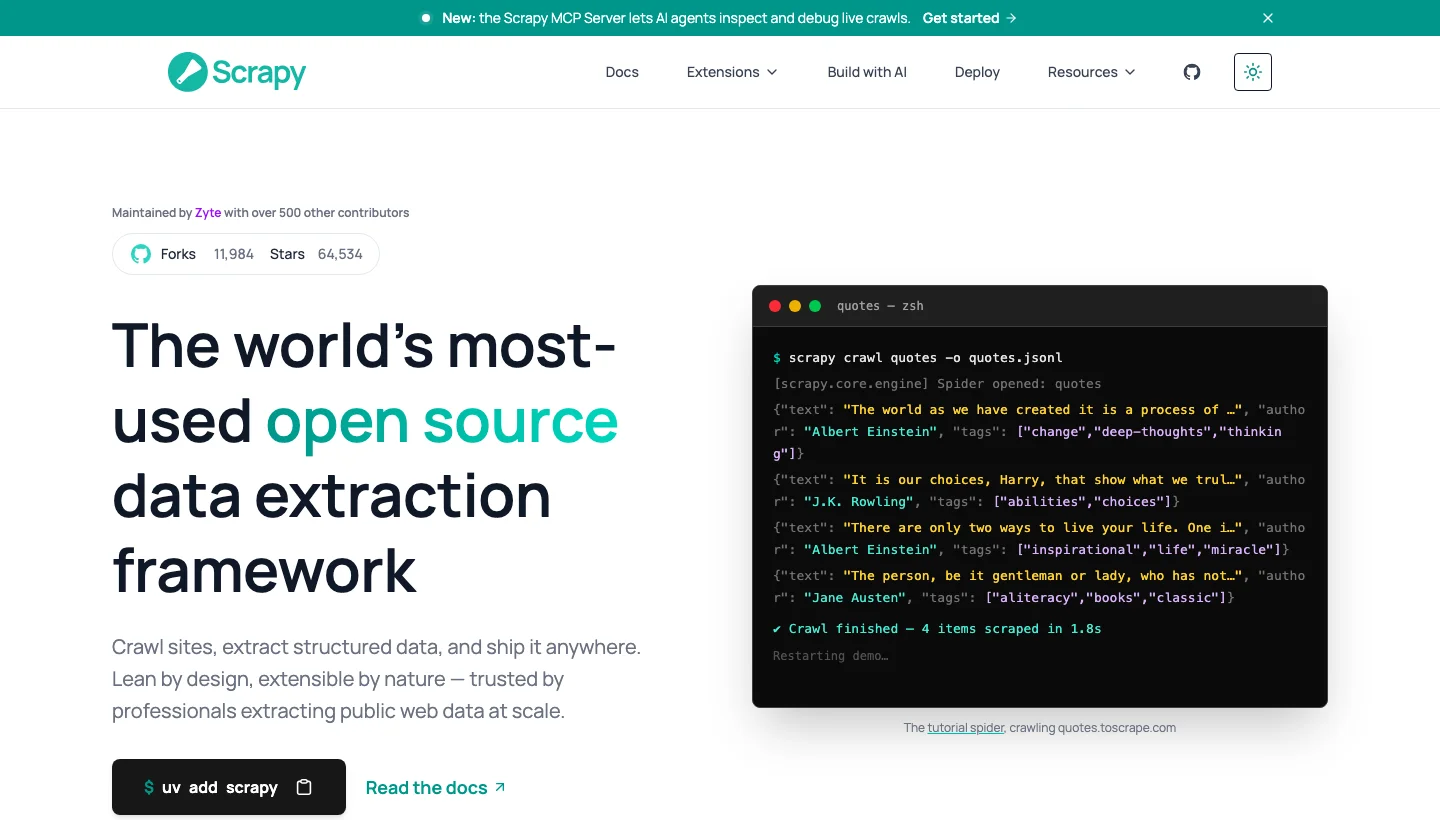
21. Scrapy: Best for large structured crawls in Python
Scrapy is a Python framework for writing spiders that crawl sites and extract structured data. Python teams crawling mostly static pages at volume choose it.
Scrapy top features:
- Asynchronous request scheduling handles many pages at once.
- CSS and XPath selectors come with regex helpers.
- Item pipelines clean, validate, deduplicate and store items.
- Feed exports write JSON, JSON Lines, CSV, XML, Pickle and Marshal to disk, FTP, S3, GCS or stdout.
- AutoThrottle adjusts delays from server latency.
- Middlewares handle cookies, compression, authentication, caching, robots.txt and depth limits.
- Native asyncio support is on by default in new projects.
- HttpProxyMiddleware applies a proxy you supply, and the docs point to third-party services for rotation.
Scrapy pros and cons:
| Pros | Cons |
|---|---|
| Politeness controls through download delay, per-domain limits and AutoThrottle | No built-in distributed crawling |
| Many export formats and storage backends out of the box | JavaScript-loaded data means reproducing requests or adding a headless browser |
| Pipelines and middlewares make it extensible | For blocks, the docs point to IP pools and paid services |
Scrapy pricing
Scrapy is free and open source under the BSD-3-Clause licence, with version 2.19.0 released on 10 September 2026 and maintained by Zyte.
Our Python libraries guide shows how it compares with the alternatives, and the code is in the Scrapy repository.
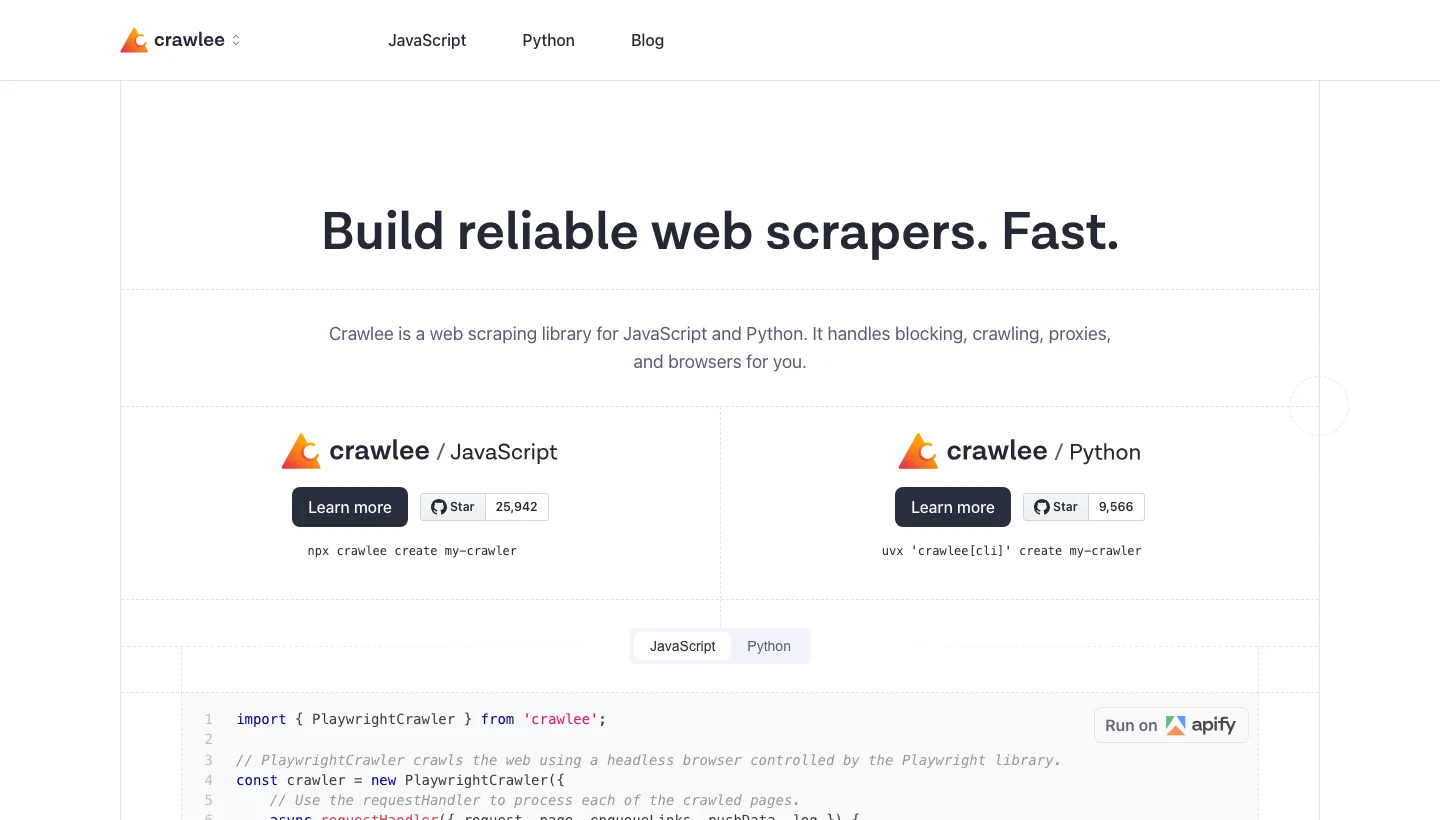
22. Crawlee: Best for developers who want full control in JavaScript or Python
Crawlee is a free, open-source crawling library from Apify that manages crawl queues, browsers and proxies. Developers who write and maintain their own scrapers get the most from it.
Crawlee top features:
- One interface covers HTTP and headless-browser crawling, and the Playwright and Puppeteer crawlers share it.
- Cheerio and JSDOM parsers are integrated.
- A persistent request queue runs breadth-first or depth-first.
- Proxy rotation works from a static list (round-robin), a custom function or tiered proxies that escalate when blocked.
- SessionPool ties cookies and headers to an IP and retires blocked sessions.
- Autoscaling follows system resources, with
maxConcurrencyandmaxRequestsPerMinutelimits. - Browser-like headers, TLS fingerprint replication and human-like fingerprints reduce blocks.
- Results save as JSON by default, with CSV export.
Crawlee pros and cons:
| Pros | Cons |
|---|---|
| Blocking tools such as fingerprints, sessions and tiered proxies are built in | You supply the proxies, because it rotates them but doesn’t provide them |
| Queue and storage suit deep crawls | Storage defaults to local disk, so shared cloud storage needs extra setup |
| One interface for HTTP and browser crawlers | The homepage says it doesn’t fix broken selectors |
Crawlee pricing
Crawlee is free and open source, and we checked its JavaScript docs at version 3.18.
Its proxy management guide has the details, and you cover your own infrastructure and proxy costs.
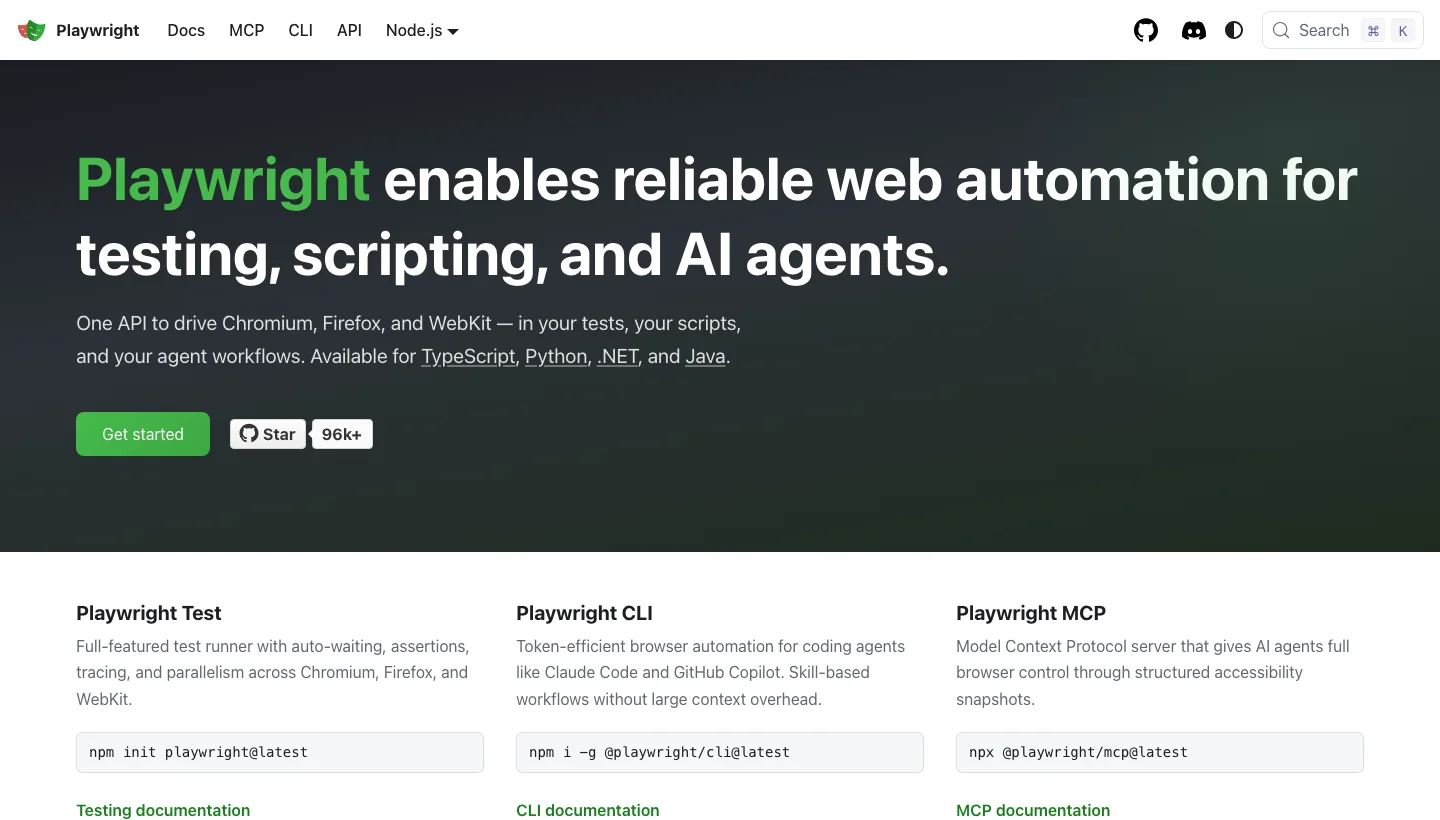
23. Playwright: Best for JavaScript-heavy sites with a modern browser API
Playwright controls Chromium, Firefox and WebKit through one API from Node.js, Python, Java and .NET. Developers scraping dynamic pages use it most.
Playwright top features:
- Auto-waiting makes actions wait for elements to be visible, stable, enabled and able to receive events.
- Built-in locators find elements by role, text, label, placeholder, alt text, title and test ID, and CSS and XPath also work.
- Network control routes, mocks, modifies or aborts requests and responses.
- Chromium, Firefox and WebKit are supported, along with Chrome and Edge channels and mobile device emulation.
- The Python API has sync and async variants.
- Locators pierce Shadow DOM by default, though XPath does not.
- Browser contexts isolate sessions, and authenticated state can be saved and reused.
Playwright pros and cons:
| Pros | Cons |
|---|---|
| Auto-waiting cuts timing hacks on dynamic pages | Browser binaries and Linux system dependencies install separately |
| Request routing can block images or CSS to cut load | Docs frame it as a testing framework, so queues and retries aren’t documented |
| The same code runs across three browser engines | No proxy rotation or CAPTCHA handling |
Playwright pricing
Playwright is free and open source under the Apache-2.0 licence, with version 1.63.0 released on 4 September 2026.
Sources are the Playwright repository and its network documentation.
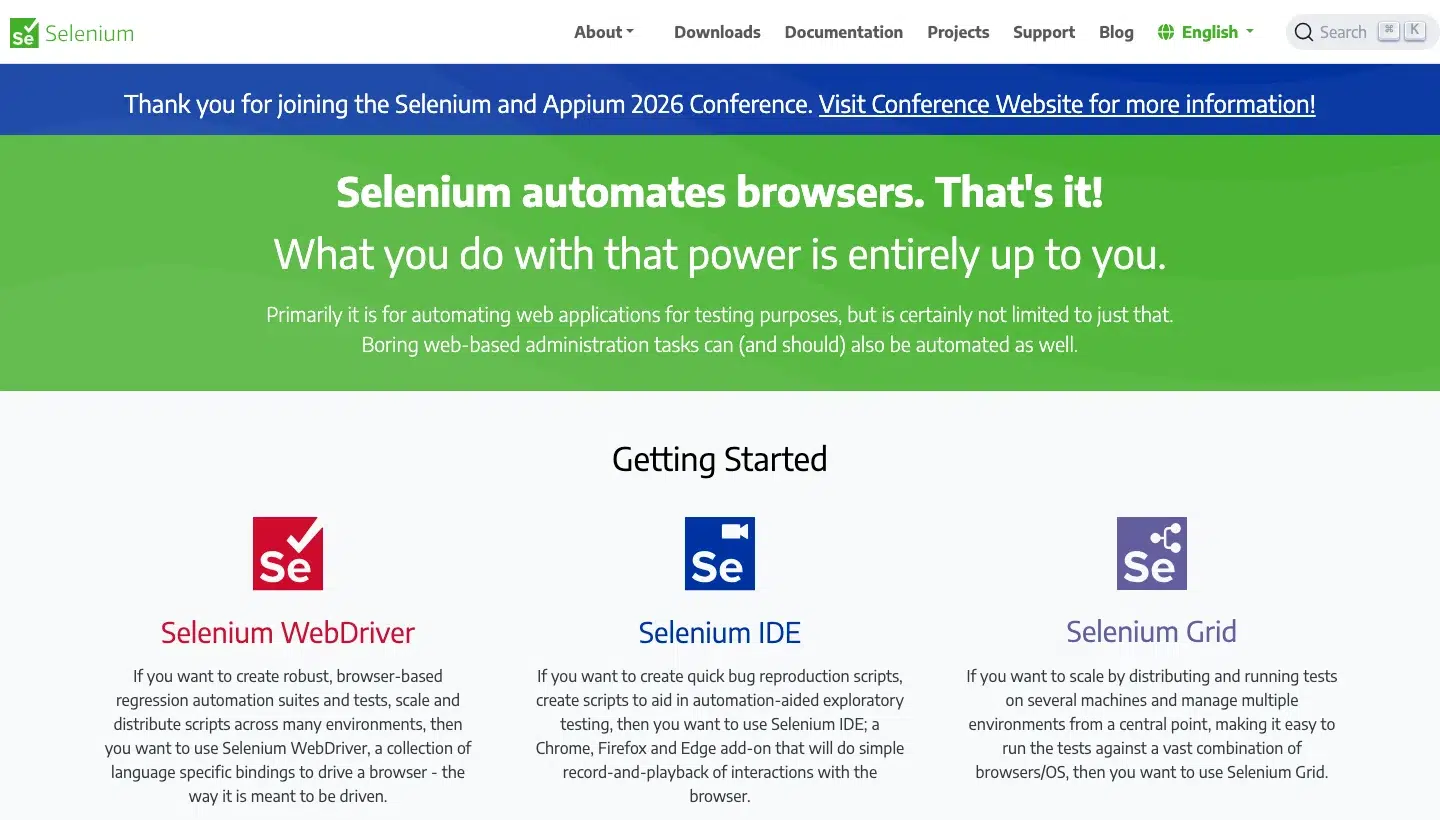
24. Selenium: Best for teams that already know WebDriver
Selenium implements the W3C WebDriver standard, with clients for Java, Python, C#, Ruby, JavaScript and Kotlin. Teams with existing Selenium skills or infrastructure choose it.
Selenium top features:
- Bindings cover six languages under the W3C WebDriver standard.
- Eight locator strategies include ID, name, class name, tag name, CSS, XPath, link text and partial link text.
- Relative locators find elements by their position next to others.
- Implicit and explicit waits handle timing.
- WebDriver BiDi over WebSocket exposes network events, console messages and JavaScript errors.
- Selenium Manager fetches drivers automatically and ships with every release.
- Selenium Grid routes commands to remote browsers for parallel runs across machines.
Selenium pros and cons:
| Pros | Cons |
|---|---|
| Widest language coverage of the browser tools | No automatic waiting, because the implicit wait defaults to zero |
| No manual driver downloads | Mixing implicit and explicit waits can give unpredictable timeouts |
| Standards-based BiDi gives cross-browser network and console hooks | CDP support is temporary until BiDi is fully implemented |
Selenium pricing
Selenium is free and open source under the Apache-2.0 licence, with version 4.49.0 released on 9 September 2026.
A proxy can be set through browser options, with no rotation, and the project lives in the Selenium repository.
25. Puppeteer: Best for Node.js teams scripting Chrome
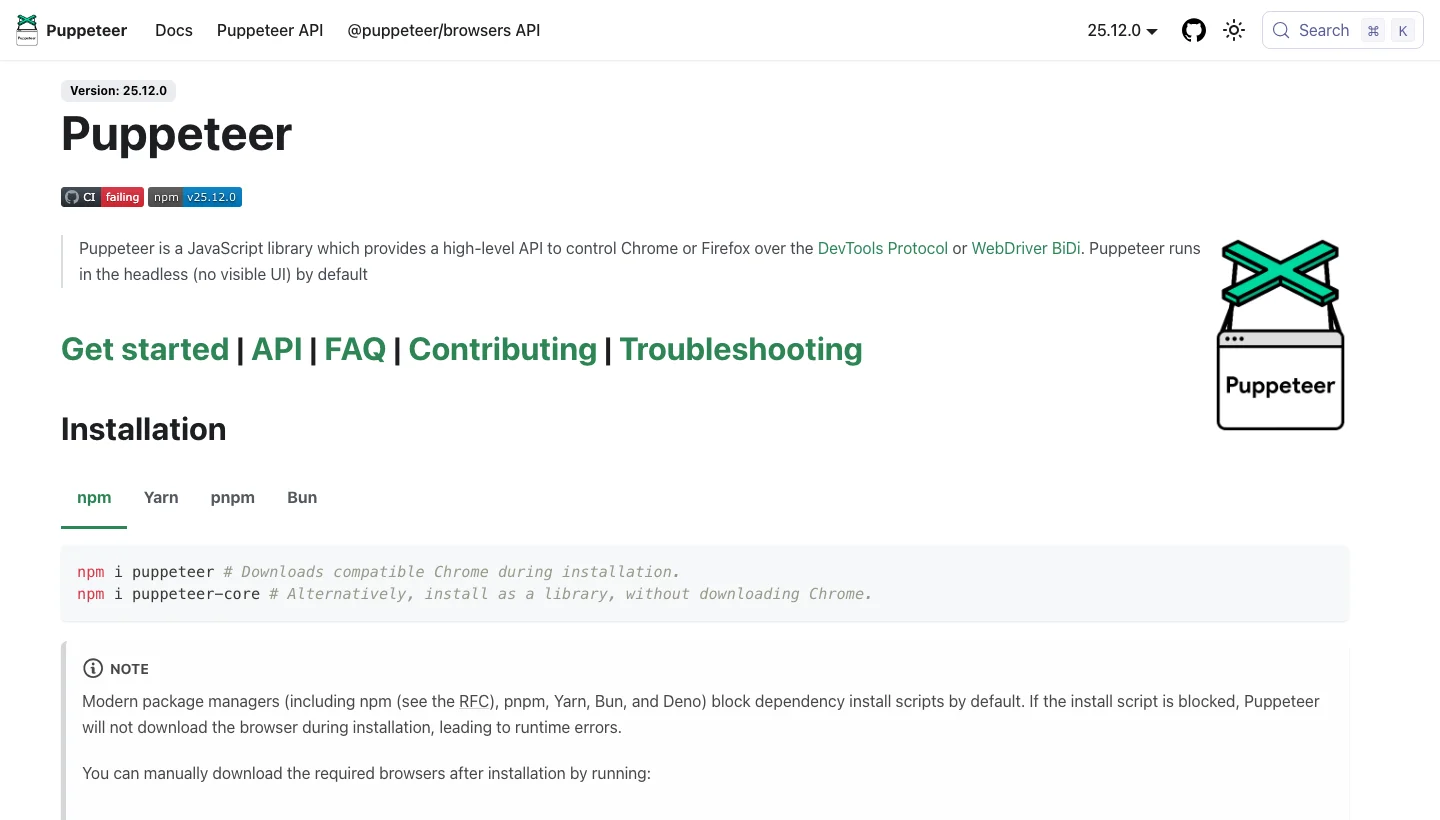
Puppeteer is a JavaScript library that controls Chrome or Firefox over the DevTools Protocol or WebDriver BiDi. Node.js teams use it for rendered pages.
Puppeteer top features:
- Chrome or Firefox run under DevTools Protocol or WebDriver BiDi control.
- Headless is the default, with headful mode available.
- Locators wait for the element to be in view, visible, enabled and stable before acting.
- A custom selector syntax covers XPath, text, ARIA and Shadow DOM alongside CSS.
- Request interception can continue, respond to or abort each request.
- Screenshots, PDFs and performance timeline traces are built in.
Puppeteer pros and cons:
| Pros | Cons |
|---|---|
| Locator auto-waiting reduces flaky clicks and fills | JavaScript only, per its own description |
| Fine-grained request control for blocking assets | Chrome and Firefox only, with no WebKit documented |
| Downloads a compatible browser on install | Once interception is on, every request stalls until you act on it |
Puppeteer pricing
Puppeteer is free and open source under the Apache-2.0 licence, with version 25.12.0 released on 23 September 2026.
The documentation we read describes no proxy rotation or CAPTCHA handling, and the code is in the Puppeteer repository.
26. Beautiful Soup: Best for beginners and static HTML
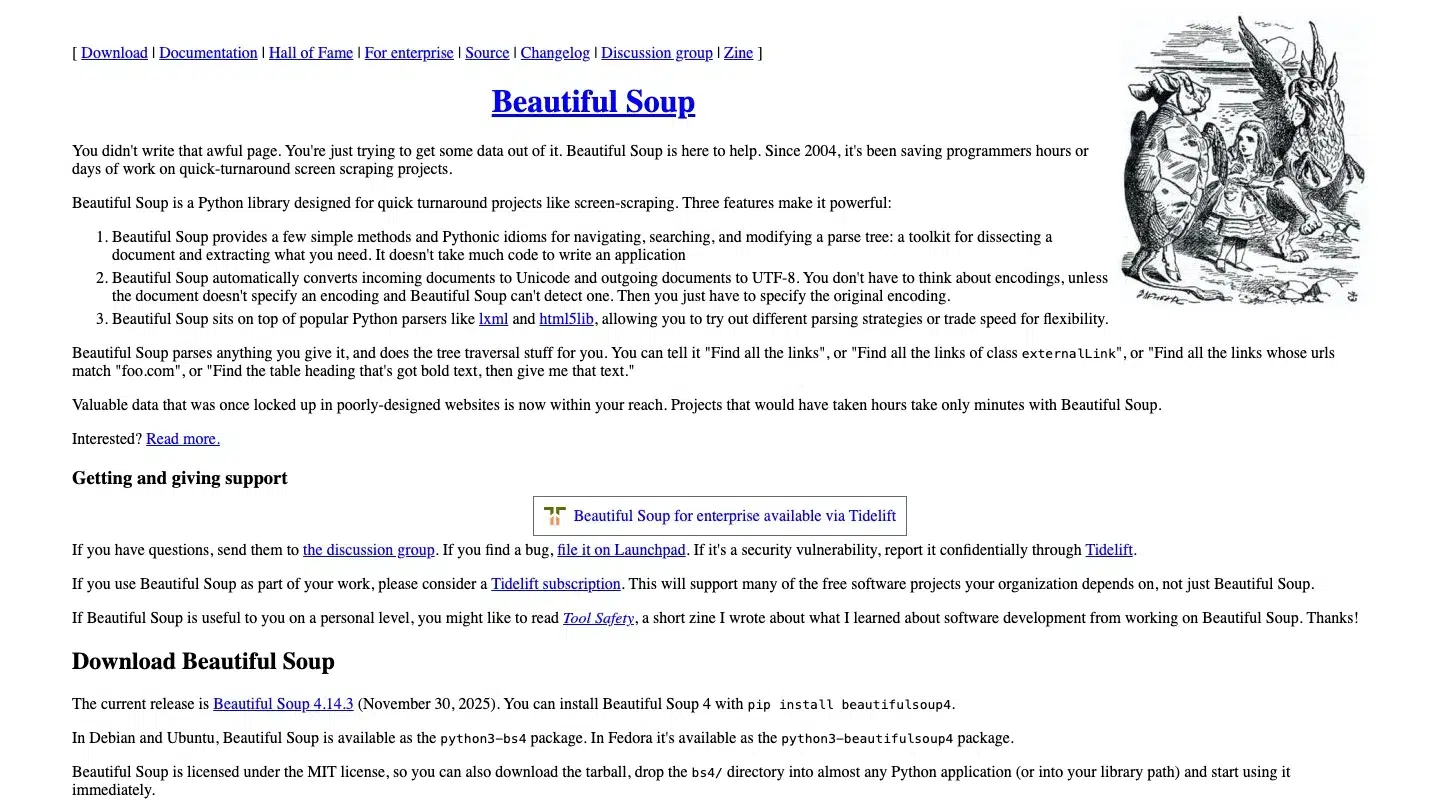
Beautiful Soup is a Python library that pulls data out of HTML and XML documents. Python beginners get productive fastest with it.
Beautiful Soup top features:
- It navigates, searches and modifies the parse tree.
- Pluggable parsers include html.parser, lxml and html5lib.
- CSS selectors work through the
.cssproperty, powered by Soup Sieve. - Encoding detection runs through Unicode, Dammit, with a
from_encodingoverride. - SoupStrainer parses only chosen tags to save memory.
- Multi-valued attributes such as class come back as lists.
- XML parsing works when lxml is installed.
Beautiful Soup pros and cons:
| Pros | Cons |
|---|---|
| Forgiving on messy markup, with html5lib parsing like a browser | Never as fast as the parsers under it, so use lxml directly when speed matters |
| Simple API for find, find_all and text extraction | html5lib is very slow, and lxml adds a C dependency |
| Automatic encoding detection | Doesn’t fetch pages, render JavaScript or crawl |
Beautiful Soup pricing
Beautiful Soup is free and open source under the MIT licence, with version 4.15.0 on PyPI (7 June 2026), although the project homepage still shows 4.14.3.
Our guide to Python web scraping libraries compares it with the alternatives, and package details are on PyPI.
27. lxml: Best for fast XPath and CSS parsing of large documents
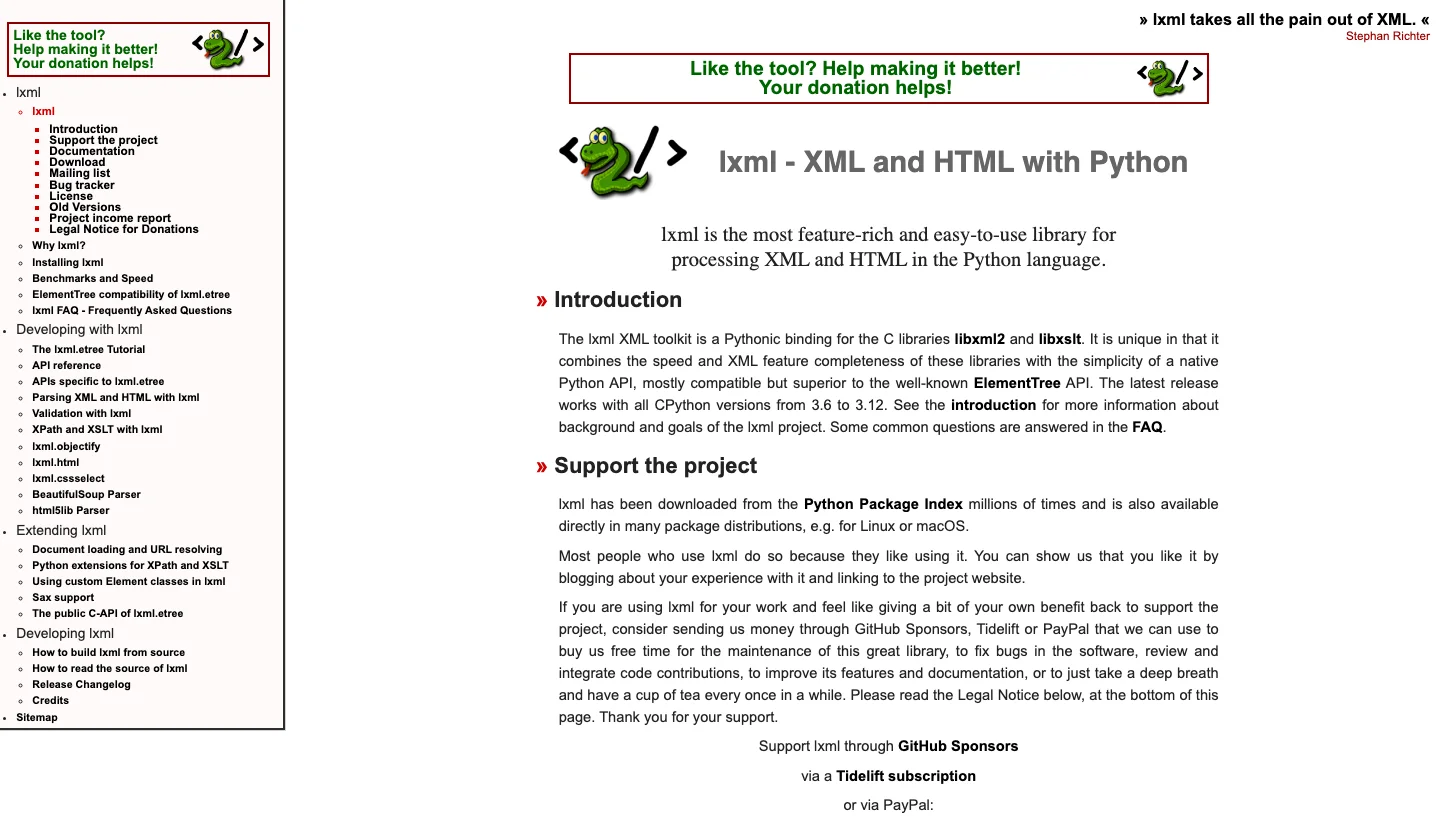
lxml binds the libxml2 and libxslt C libraries to Python for fast XML and HTML processing with an ElementTree-style API. Developers parsing large or messy documents choose it.
lxml top features:
- XPath 1.0, XSLT 1.0 and EXSLT are supported, including regular expressions in XPath.
- lxml.html adds link rewriting, absolute links, form handling and HTML diff.
- CSS selectors work through the cssselect package, translated to XPath.
- Validation covers DTD, RelaxNG, XMLSchema and Schematron.
- Incremental parsing offers iterparse, a feed parser and a target parser.
- Recovery mode handles broken XML and HTML.
lxml pros and cons:
| Pros | Cons |
|---|---|
| Streaming parsers suit large documents | XPath 1.0 and XSLT 1.0 only |
| Rich XPath and XSLT toolkit | Broken-HTML recovery gives no guarantee that all data survives |
| Releases the GIL while parsing, so threads can help | CSS selection needs a separate cssselect install |
lxml pricing
lxml is free and open source under the BSD-3-Clause licence, with version 6.1.3 released on 2 September 2026.
It can’t fetch or render pages, and the source is in the lxml repository.
28. Cheerio: Best for quick static-HTML parsing in Node.js
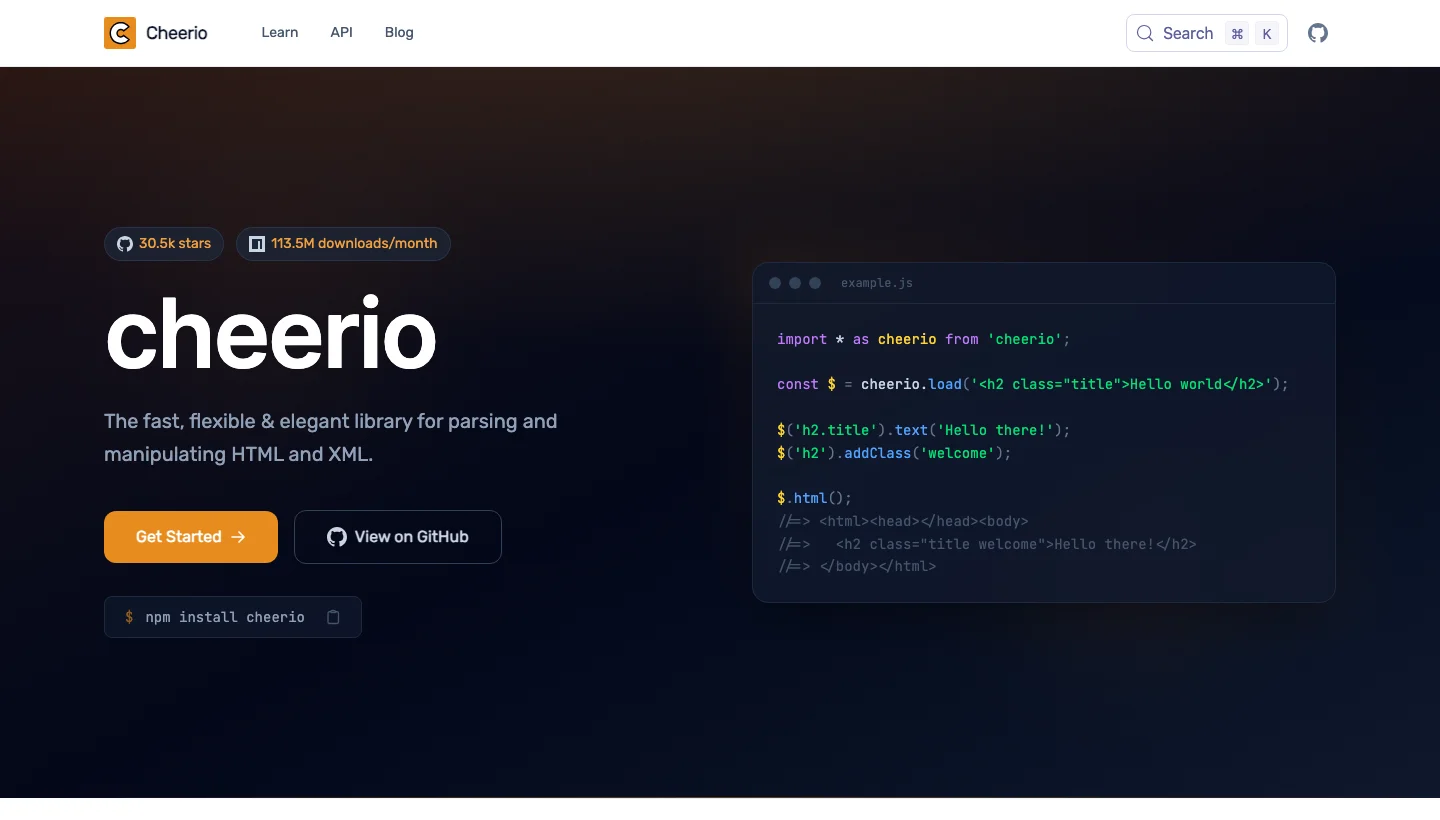
Cheerio gives Node.js developers jQuery-style queries over parsed HTML. It’s quick on static pages and the natural pairing for a fetch library.
Cheerio top features:
- A jQuery-like API traverses and manipulates parsed markup.
- CSS selectors support combinators.
- parse5 handles HTML by default, and htmlparser2 handles XML or can be chosen on request.
- Fragment mode parses snippets without html and body wrappers.
loadBufferanddecodeStreamsniff encodings, andstringStreamparses as data arrives.fromURLfetches pages, follows up to five redirects and takes request options.- Markup serialises back with
$.html().
Cheerio pros and cons:
| Pros | Cons |
|---|---|
| Docs say skipping rendering makes it much faster than browser tools | No JavaScript execution, rendering or external resource loading, so client-rendered content is missing |
| Flexible parser choice for strict or forgiving parsing | fromURL is a plain fetch with no documented proxy option |
| Built-in encoding detection and streaming | Anti-bot handling and dynamic interaction need another tool |
Cheerio pricing
Cheerio is free and open source under the MIT licence, with version 1.2.0 released on 23 January 2026.
Our roundup of Node.js scraping tools shows where it fits, and the Cheerio documentation has the details.
Why do web scrapers keep breaking?
Scrapers break for seven recurring reasons, and most sit outside your parsing code.
- It works in the demo, then fails under load or after deployment. A tool that looks fine on ten pages can fall over at ten thousand, and an r/automation thread with 192 comments is full of people saying demos hide the load problem, so stress-test any tool during its trial. Code that works on your laptop can also fail on a server, because a local run uses your home IP and cookies while a deployed one comes from a datacentre and can be served a different page. One r/AI_Agents user suggests logging the raw HTML the deployment receives before blaming the parser.
- Blocks and CAPTCHAs, usually the IP stack and not the library. Commenters in the same r/automation thread argue that much of the flakiness blamed on Playwright or Selenium comes from flagged datacentre IP ranges, and one described a Playwright run that was fine for about 200 pages before CAPTCHA churn killed throughput.
- Selectors rot when a site redesigns. Selectors tie your code to a page’s layout, so a redesign quietly breaks extraction, and an r/SEO commenter notes that Google changes its results HTML constantly, so SERP scrapers need regular fixes.
- Sessions and logins that no tool solves. Expiring cookies, checkpoints and two-factor prompts break scrapers that log in, and an r/AI_Agents practitioner points out that no scraping API touches that problem. Their fix is a separate persistent browser profile for each site.
- Silent failures. A request that returns HTTP 200 with an empty selector looks the same as a day with no news. Two replies in that thread make the point, with one preferring a job that fails loudly to one that reports success on half the products, and another recommending alerts on the scrape failing, not only on the data.
- The time and cost of maintaining your own stack. One r/AI_Agents user spent three years on a custom scraper before paying for a SERP API or Zyte and passing the cost to clients. In the Apify and Web Scraping Club survey, 46.7% of professionals used only in-house code, 41.7% mixed in-house and external tools, and 5% used only external services, and because Apify sells scraping tools these are headline figures only.
- Too many tools and too much hype. An r/SaaS post titled “There are 20+ web scraping tools” captures the fatigue, and in r/webscraping practitioners say language models work as a light extraction layer over fetched pages and as a code generator, not as the fetcher, with token costs that balloon at millions of pages.
Should you choose open source or commercial tools?
Pick open source when you have the engineering time to run it, and a commercial tool when blocks, scale or a small team make that time the expensive part. People who search for web scraping tools open source usually want a free option they can self-host, and each review above gives the project’s licence and latest release.
What does open source really cost you?
Open source removes the licence fee but not the running costs, which are proxies, CAPTCHA handling, browser infrastructure and the time you spend fixing selectors. In the Apify and Web Scraping Club survey, 41.7% of respondents mix in-house code with external tools.
When does open source win?
On static sites, when you need full control, and when a per-request fee would cost more than the engineering time you would spend anyway.
When does a commercial tool win?
On protected targets, at scale, and in small teams that don’t want to run infrastructure. A founder of a scraping company in the r/AI_Agents thread says fully self-healing scrapers are marketing language and that websites will change and block you regardless, which is the case for having someone else own the fix.
Which web scraping tool fits your team?
Match the tool to the problem that keeps failing, and add layers only when a real problem appears. Automated web scraping tools range from a single API call to scheduled pipelines, so start with the smallest setup that does the job.
| Situation | Start with | Add when |
|---|---|---|
| Static pages and Python skills | Beautiful Soup or lxml, with Scrapy for crawls | You hit JavaScript or blocks |
| JavaScript-heavy pages | Playwright | Blocks or CAPTCHAs appear |
| Blocks, retries and site changes on a small team | ScraperAPI, ScrapingBee or ZenRows | Volume grows, so compare cost per thousand successful pages |
| Scheduled production feeds from one vendor | ScraperAPI, Oxylabs or Bright Data | You need managed delivery or dedicated support |
| Many varied sites with cost matched to difficulty | Zyte API | You need a residential pool from the same vendor |
| No developers on the team | Octoparse, ParseHub or Browse AI | Logins or volume outgrow the tool |
| LLM or agent pipeline | Firecrawl, Crawl4AI, ScrapeGraphAI or ScraperAPI | You need validation on extracted fields |
| Tracking what ChatGPT, Perplexity or Gemini say about your brand | ScraperAPI’s AI Results API (beta) | You need results beyond what a beta supports |
| Structured articles, products or companies across many sites | Diffbot | You need raw HTML or proxy control |
No single tool wins, because the right one depends on the job. Beautiful Soup suits static pages, Playwright suits JavaScript-heavy pages, Scrapy suits large crawls, and a scraping API suits teams that don’t want to run proxies and browsers. We found no independent ranking, and the Apify and Web Scraping Club survey shows most professionals write their own code.
Generally yes for public pages in the US, though the risk depends on what you scrape and how. In hiQ v. LinkedIn the Ninth Circuit held that scraping public pages likely isn’t access “without authorization” under the CFAA, according to the EFF, and the remaining exposure comes from terms of service, copyright, trespass and privacy law, as Quinn Emanuel explains. LinkedIn later won on contract and hiQ agreed to a $500,000 consent judgment, while Meta dropped its case against Bright Data in February 2024. This is general information, not legal advice, and our guide on whether web scraping is legal goes deeper.
Partly. ChatGPT can search the web and cite sources, but OpenAI warns results can be incomplete, outdated or wrong, so it isn’t a bulk extractor, according to OpenAI’s article on searching the web with ChatGPT. It helps most by writing and debugging scraper code, which 63.6% of AI users in the Apify and Web Scraping Club survey used it for, and our guide covers using ChatGPT for web scraping.
Not automatically, because AI tools follow the same US rules as other scrapers. On 4 August 2026 the Ninth Circuit vacated a preliminary injunction that had blocked Perplexity’s Comet browser assistant from Amazon, reasoning that Amazon was unlikely to show Perplexity “accessed” its servers under the CFAA, since the user does, according to the court’s opinion. The court limited the ruling to the record, and training on copyrighted material remains unsettled.
They do different jobs. Scrapy is a framework that crawls sites and extracts data, while Beautiful Soup only parses HTML you have already fetched, so many projects use both. Pick Scrapy for large crawls of mostly static pages and Beautiful Soup for quick extraction.
Yes for JavaScript-heavy pages, because it controls Chromium, Firefox and WebKit and supports Node.js, Python, Java and .NET. It doesn’t rotate proxies or solve CAPTCHAs by itself, so protected sites need extra tooling.
A web scraping tool is software that fetches web pages and extracts data from them, and different tools cover different jobs such as unblocking, rendering, parsing, crawling or AI extraction. A tool you run yourself is a library or app, while a scraping API is a hosted service that handles proxies, retries and rendering behind one request.
Test any of these against your own targets before you commit, and if fetching is the job that keeps failing, the ScraperAPI trial gives you 5,000 credits for seven days with no card. Start free trial
